



VMware
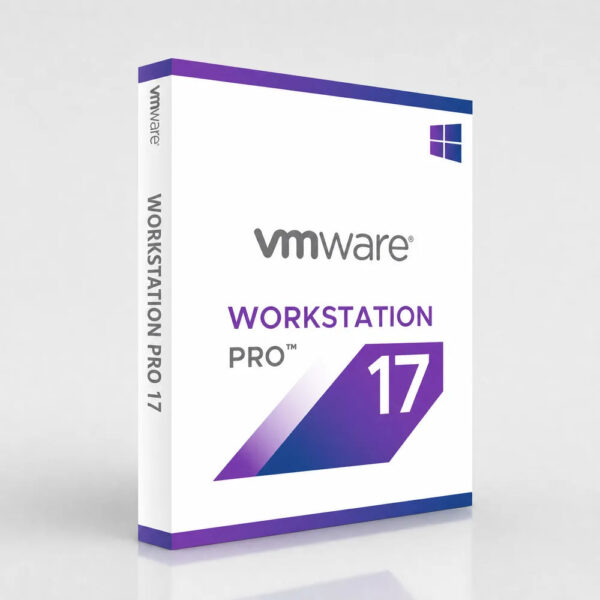
VMware Workstation Pro 17
Run several operating systems on a single PC.
$18.74USD
One-time payment · No monthly fees
1-year warranty
- Email delivery; may take up to 48 hours
- Refund if the key doesn't work (30 days)
- Secure payment
Specifications
- Format
- Bindable License
- Compatibility
- Windows
- Duration
- Lifetime
- Warranty
- 1 year
- Devices
- 1 PC
How to activate
4 steps from your inbox.
Download your softwareDownload the software from its official site. If you had another version or a previous antivirus, uninstall it first.
Install itRun the installer and follow the wizard until it finishes.
Enter your keyOpen the program, type the key we sent you by email, and activate it with your computer connected to the Internet.
All set, enjoy!Your license is now active and you can use all the features.
Description
Several operating systems on a single PC
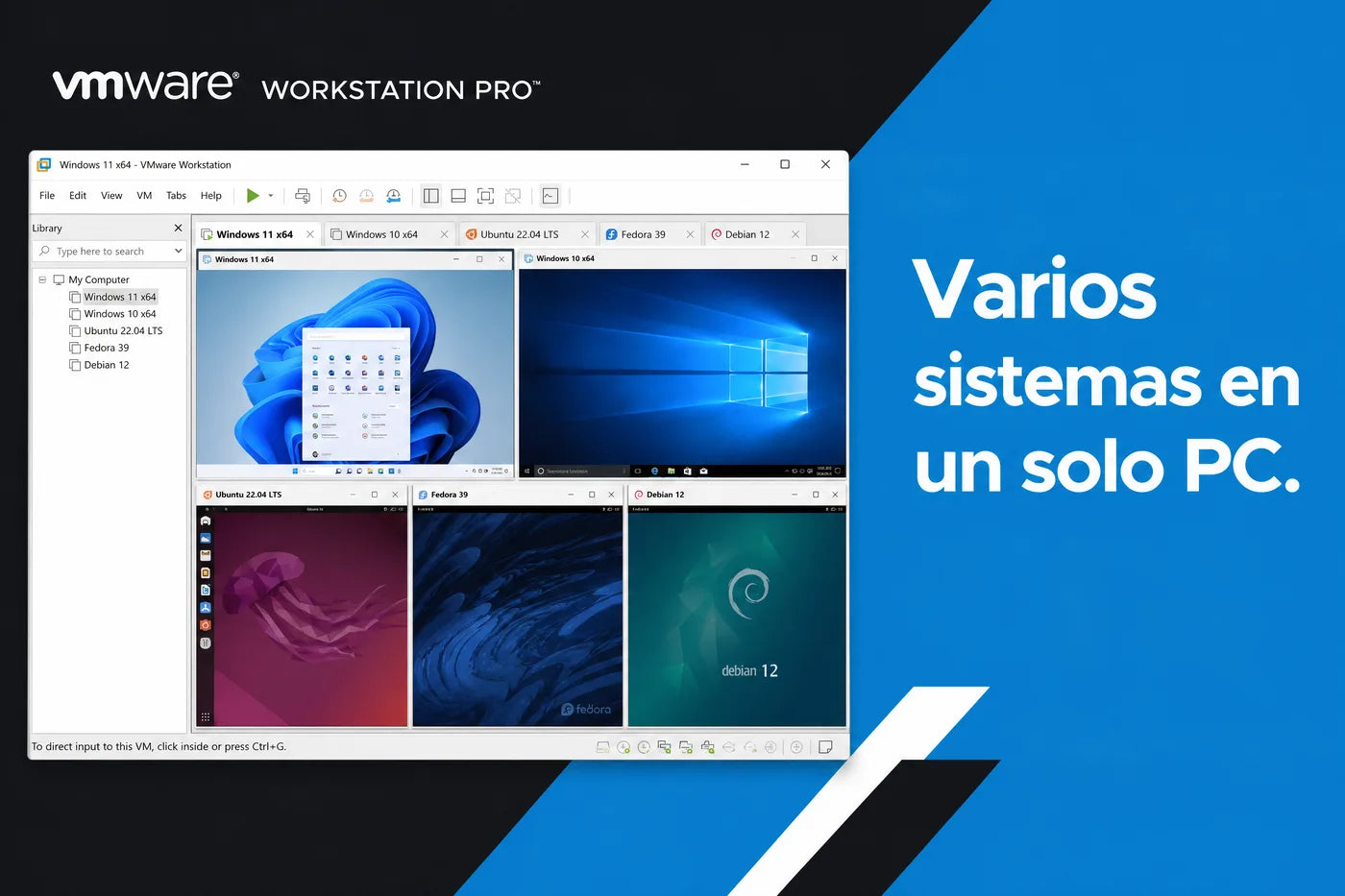
Testing, developing, or isolating environments no longer requires having several computers. With VMware Workstation Pro 17 you create Windows, Linux, and other virtual machines, and run them at the same time on your PC.
What it is and who it’s for
It’s VMware’s professional virtualization tool for Windows and Linux. Ideal for developers, IT teams, software testing, and labs.
What your license includes

- Create and run multiple virtual machines at once.
- Supports Windows, Linux, and dozens of systems.
- Snapshots and clones to roll back or duplicate environments.
- Advanced virtual networks to simulate infrastructures.
- High performance and secure isolation.
Genuine, without the risks of pirated software
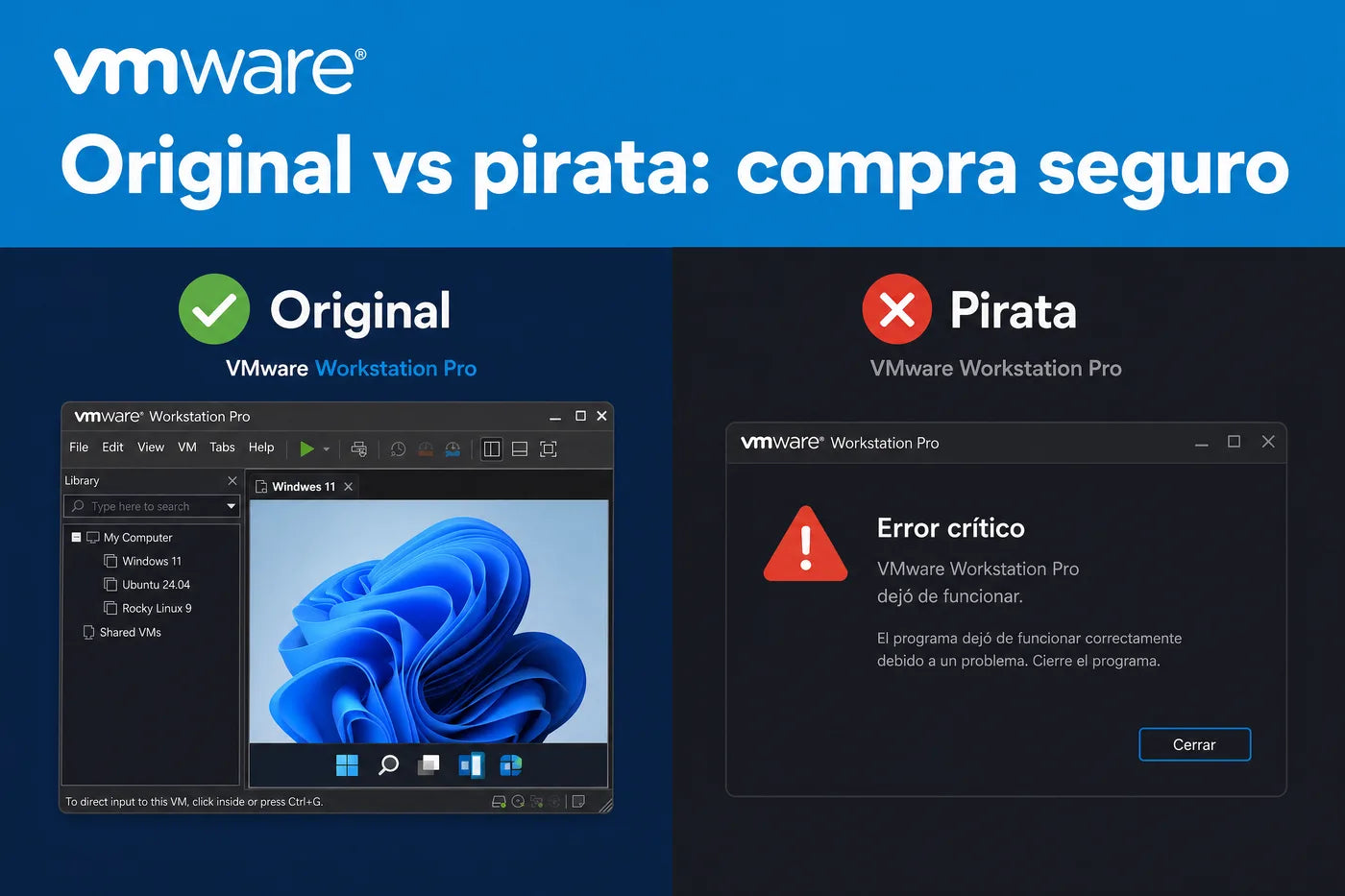
Pirated versions carry malware and fail in critical environments. Here you buy a 100% genuine license, stable and with updates.
How you receive your license
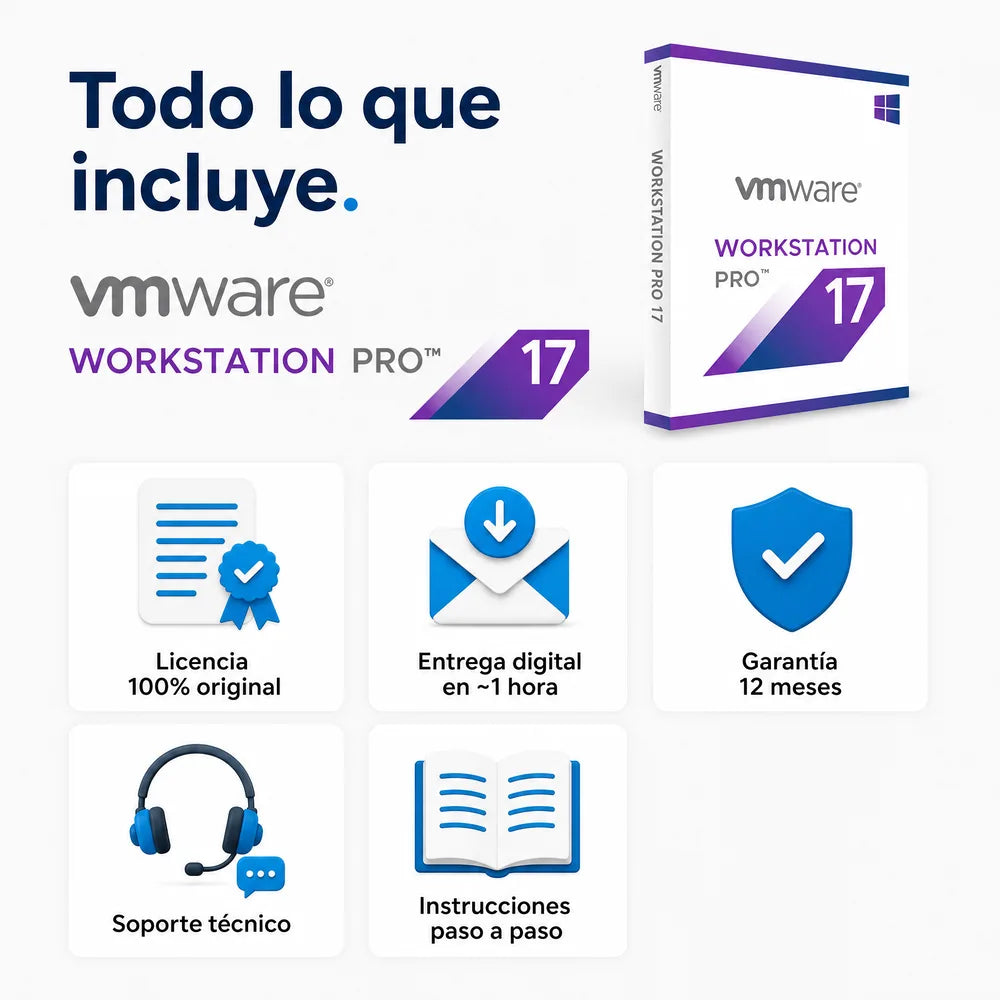
We send you your key by email, prepared by our team, usually in about an hour, along with step-by-step instructions to activate it.
Compatibility
For 1 PC with Windows or Linux as the host system.
Buy with confidence
- 100% genuine license.
- 1-year functionality warranty.
- Email delivery, usually in about an hour.
- Support and clear instructions.
Frequently asked questions
Is it genuine? Yes, an official VMware license.
Is it lifetime? Yes, a one-time payment, with no expiration.
Which systems can I virtualize? Windows, Linux, and many more.
Build your virtual lab
Activate VMware Workstation Pro 17 and run all the systems you need on a single computer.
Everything your license includes
How to activate your license step by step
- Download your software
Download the software from its official site. If you had another version or a previous antivirus, uninstall it first. - Install it
Run the installer and follow the wizard until it finishes. - Enter your key
Open the program, type the key we sent you by email, and activate it with your computer connected to the Internet. - All set, enjoy!
Your license is now active and you can use all the features.
You may also like
Licenses related to this one.