


Microsoft
Office 2021 Home & Business for Mac
Paying for Office every month when all you want to do is write, calculate, and present is an expense that never ends.
5.0 out of 52 reviews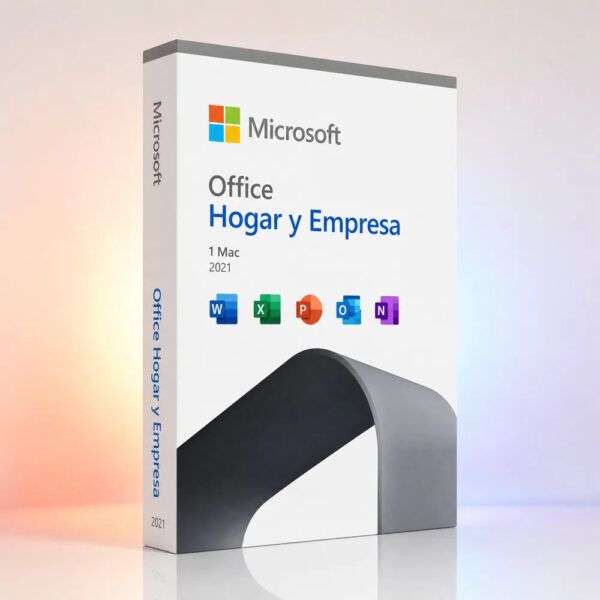
$81.80USD
One-time payment · No monthly fees
1-year warranty
- Email delivery; may take up to 48 hours
- Refund if the key doesn't work (30 days)
- Secure payment
Specifications
- Format
- Bindable License
- Compatibility
- macOS
- Duration
- Lifetime
- Warranty
- 1 year
- Devices
- 1 PC
How to activate
4 steps from your inbox.
Redeem your codeGo to setup.office.com, sign in with your Microsoft account, and enter the 25-digit code we sent you.
Download and installClick Install, open the downloaded file, and follow the wizard until it finishes.
Activate with your accountOpen Word or Excel and sign in with the same Microsoft account you used to redeem the code.
All set, get to work!Office confirms the license on screen and you can now use all your apps.
Description
Your Office on Mac, once and for all
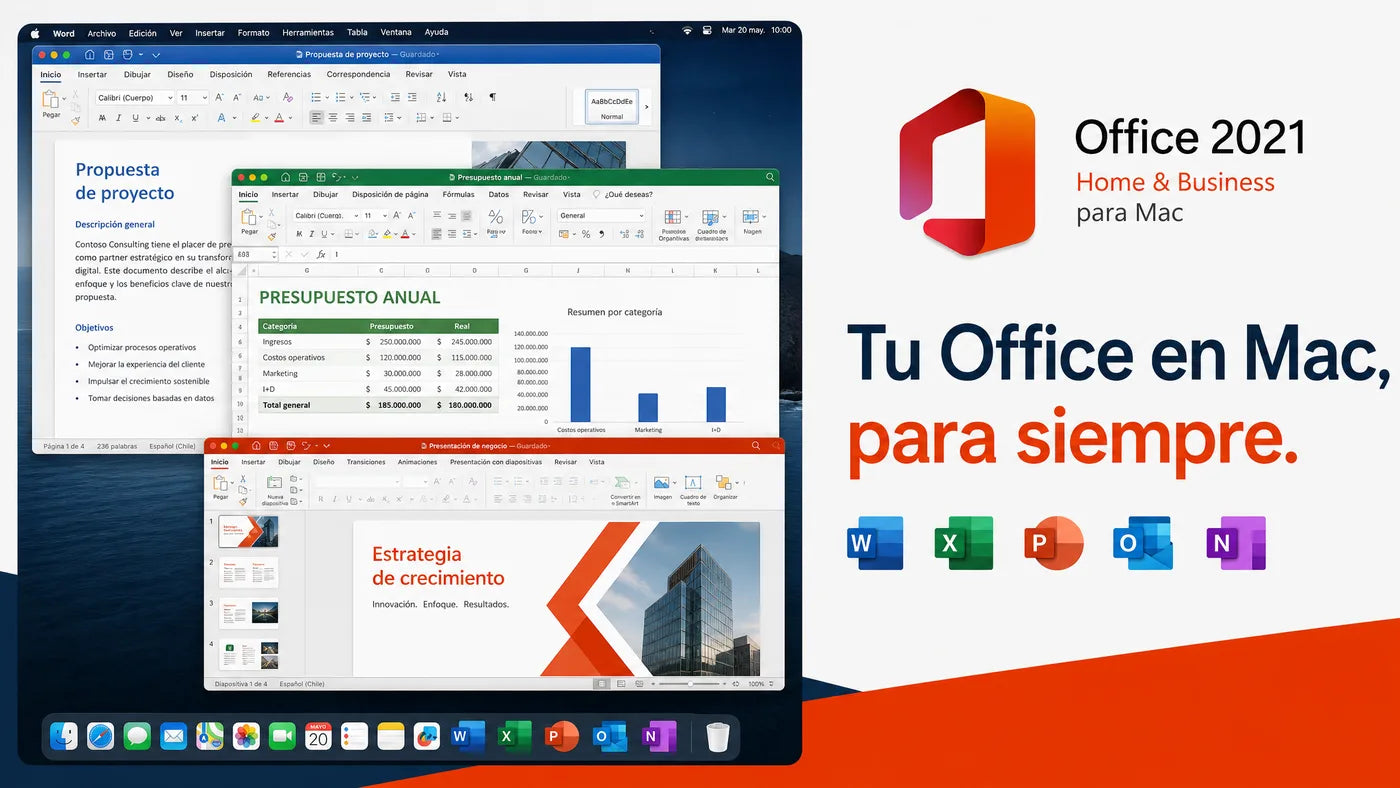
Every month that goes by, the Office subscription charges you again. And all you want is to open Word to finish a report, balance the numbers in Excel, or get a presentation ready. Office 2021 Home & Business for Mac puts an end to that expense: you pay just once and keep Word, Excel, PowerPoint, Outlook, and OneNote installed on your Mac, with no monthly fees.
What it is and who it’s for
It’s the one-time purchase version of Office designed for macOS. It’s for people who work from home, for independent professionals, and for small businesses that need the familiar tools without depending on a subscription. You install the apps on your Mac and use them whenever you want, with or without internet.
What you get
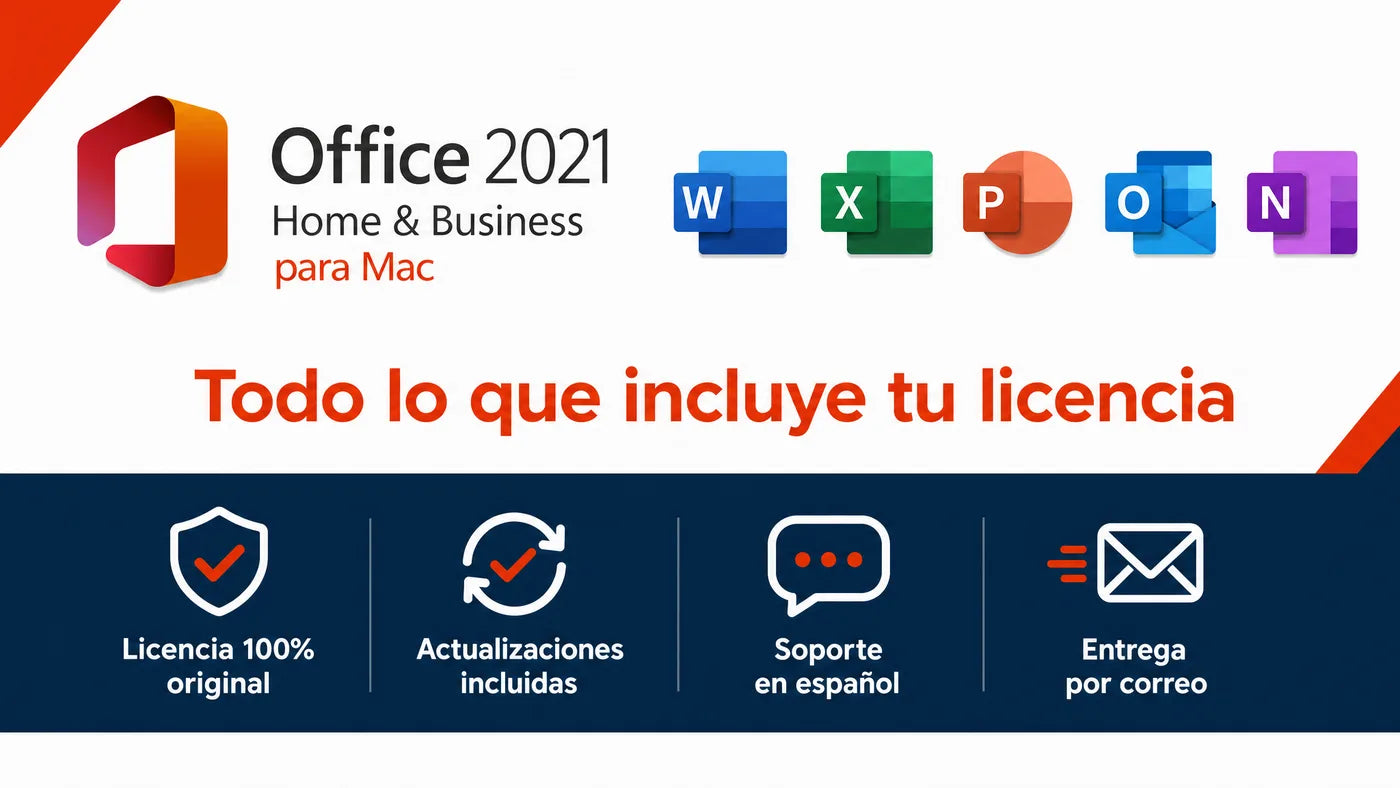
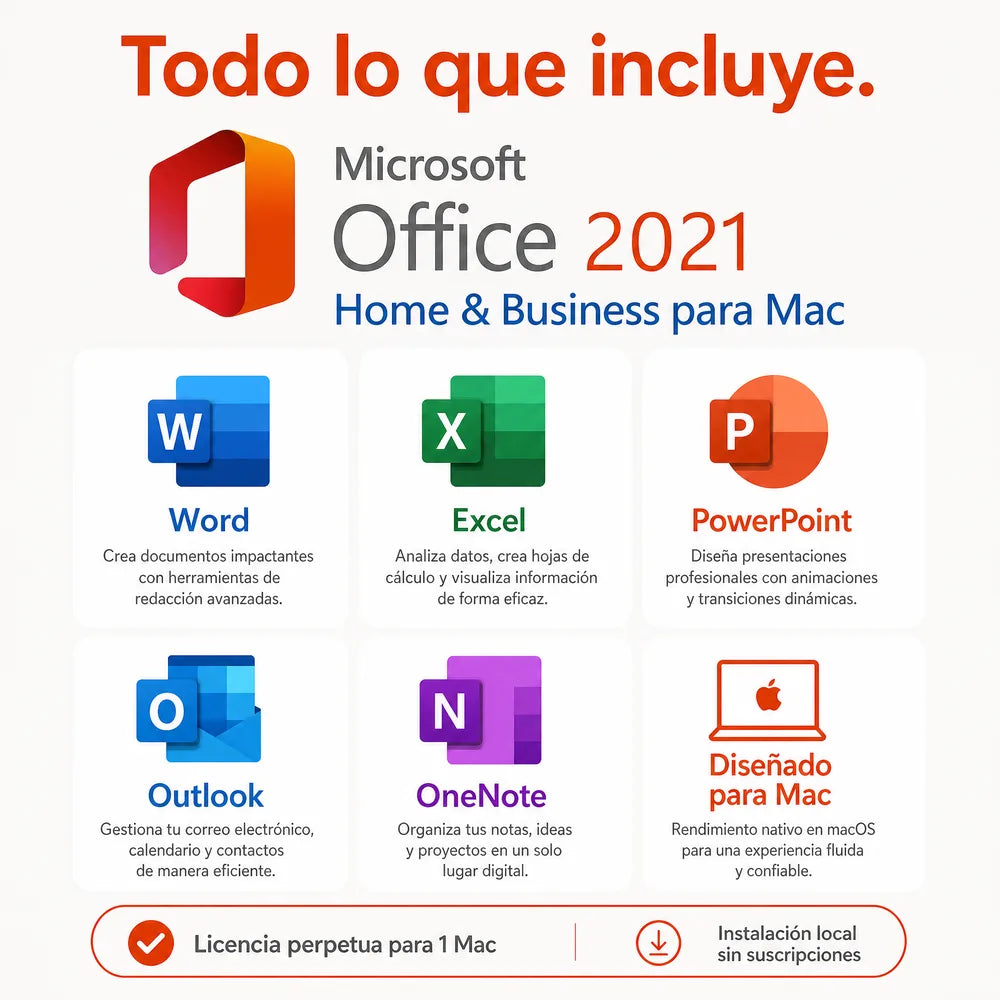
- Word for writing documents, reports, and letters with professional formatting.
- Excel for keeping accounts, budgets, and analysis with clear charts.
- PowerPoint for building presentations with transitions and animations.
- Outlook for organizing your email, your calendar, and your contacts in one place.
- OneNote for gathering notes, ideas, and to-dos without losing track of them.
- Lifetime license: one purchase, with no recurring monthly payments.
- Native performance on macOS, fast and stable on your Mac.
Genuine, with no nasty surprises
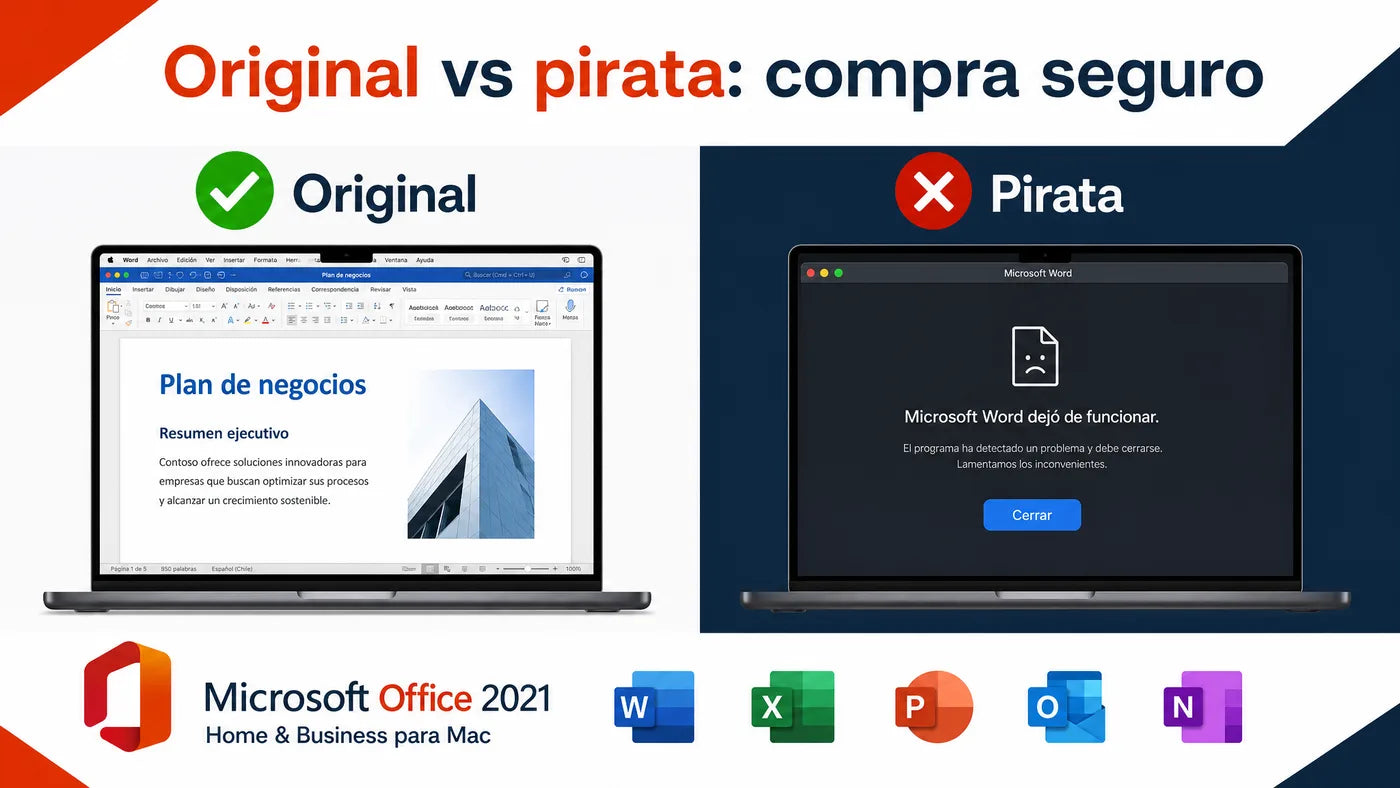
Pirated versions or cracks of Office crash in the middle of a job, don’t receive updates, and leave the door open to viruses. Here you get an official Microsoft license, linked to your own account, with security updates and no surprises. Your work stays safe.
How you receive it
There’s no stock sitting in a warehouse: we prepare your license and send it to you by email in about an hour. You receive an official key and step-by-step instructions. You redeem it at setup.office.com with your Microsoft account, download Office, and sign in to activate it. If you don’t have a Microsoft account, creating one is free and we’ll walk you through it.
Compatibility
It works on Mac with recent versions of macOS. One lifetime license for one Mac.
Buy with confidence
- 100% genuine Microsoft license, linked to your account.
- 1-year warranty.
- Real support if you have questions when activating.
- Delivery to your email in about an hour.
Frequently asked questions
Is it genuine? Yes, it’s an official Microsoft license for Mac, linked to your account.
Is it a lifetime license? Yes, it’s a one-time purchase. There are no monthly payments and no subscription.
How soon does it arrive? We prepare your license and send it to you by email in about an hour.
Will it work on my Mac? Yes, it works on Mac with recent versions of macOS.
Do I need a Microsoft account? Yes. If you don’t have one, creating it is free and we’ll guide you.
Stop renting Office. Make it yours on your Mac with Virtual Keys.
Everything your license includes
How to activate your license step by step
- Redeem your code
Go to setup.office.com, sign in with your Microsoft account, and enter the 25-digit code we sent you. - Download and install
Click Install, open the downloaded file, and follow the wizard until it finishes. - Activate with your account
Open Word or Excel and sign in with the same Microsoft account you used to redeem the code. - All set, get to work!
Office confirms the license on screen and you can now use all your apps.
Reviews
5.0
out of 5 · 2 reviews
5 out of 5
Office Mac 2021 Funciona perfecto…!!! Muchas gracias!
5 out of 5
Fácil el sistema de factura
Read all 2 reviews and write yours
2 reviews for Office 2021 Home & Business for Mac, Genuine and Lifetime
You may also like
Licenses related to this one.

Alejandro Rocabado Sáez –
Office Mac 2021
Funciona perfecto…!!! Muchas gracias!
LORENZO VILLALON –
Fácil el sistema de factura