

Microsoft
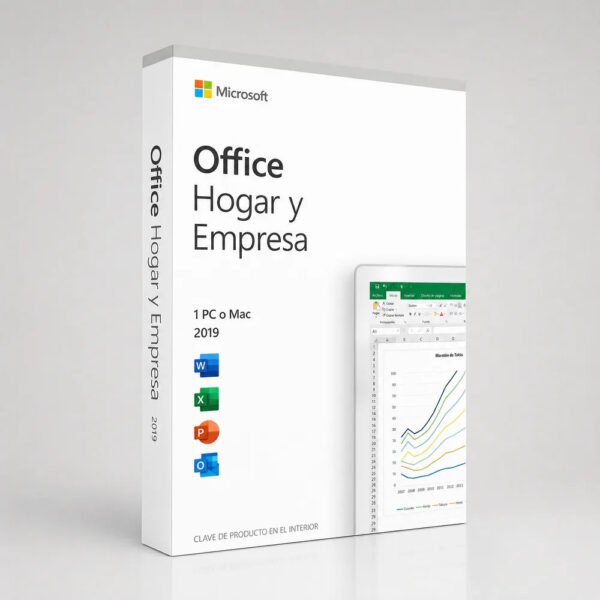
Office 2019 Home & Business
Paying for Microsoft 365 every month just to use Office on your Mac gets old.
$65.99USD
One-time payment · No monthly fees
1-year warranty
- Email delivery; may take up to 48 hours
- Refund if the key doesn't work (30 days)
- Secure payment
Specifications
- Format
- Bindable License
- Compatibility
- macOS
- Duration
- Lifetime
- Warranty
- 1 year
- Devices
- 1 PC
How to activate
4 steps from your inbox.
Redeem your codeGo to setup.office.com, sign in with your Microsoft account, and enter the 25-digit code we sent you.
Download and installClick Install, open the downloaded file, and follow the wizard until it finishes.
Activate with your accountOpen Word or Excel and sign in with the same Microsoft account you used to redeem the code.
All set, get to work!Office confirms the license on screen and you can now use all your apps.
Description
Microsoft Office 2019 Home & Business for Mac: Word, Excel, and PowerPoint forever
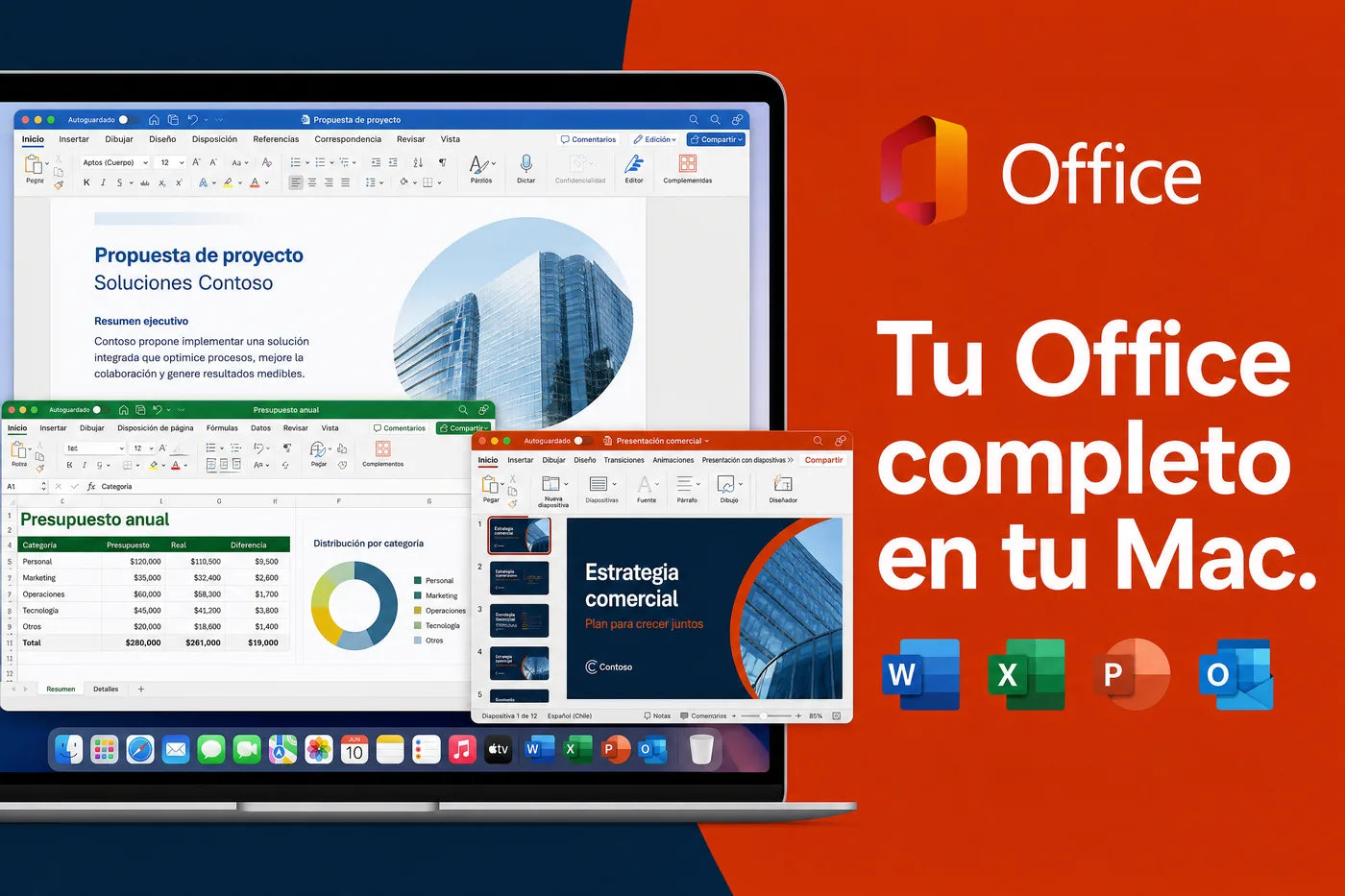
Paying for Microsoft 365 every month just to use Office on your Mac turns into a never-ending expense. With Office 2019 Home & Business you pay just once and the license is yours, with no monthly fees. Word, Excel, PowerPoint, and Outlook installed on your Mac, ready to work.
What it is and who it’s for
It’s the one-time-purchase version of Office designed for your Mac. Ideal if you work, study, or run your business and need the classic Office apps without depending on a subscription. One license, one computer, for life.
What your license includes
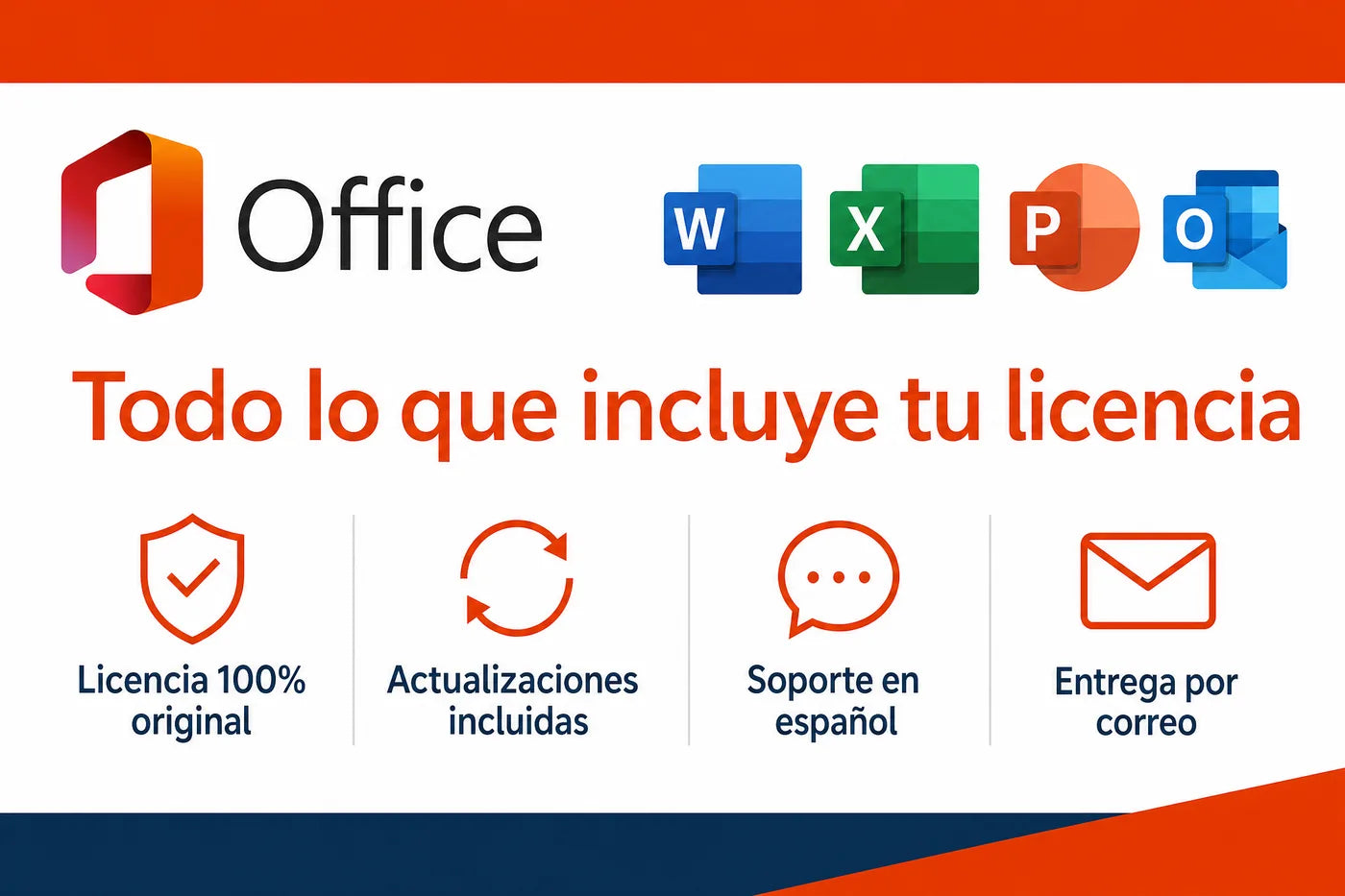
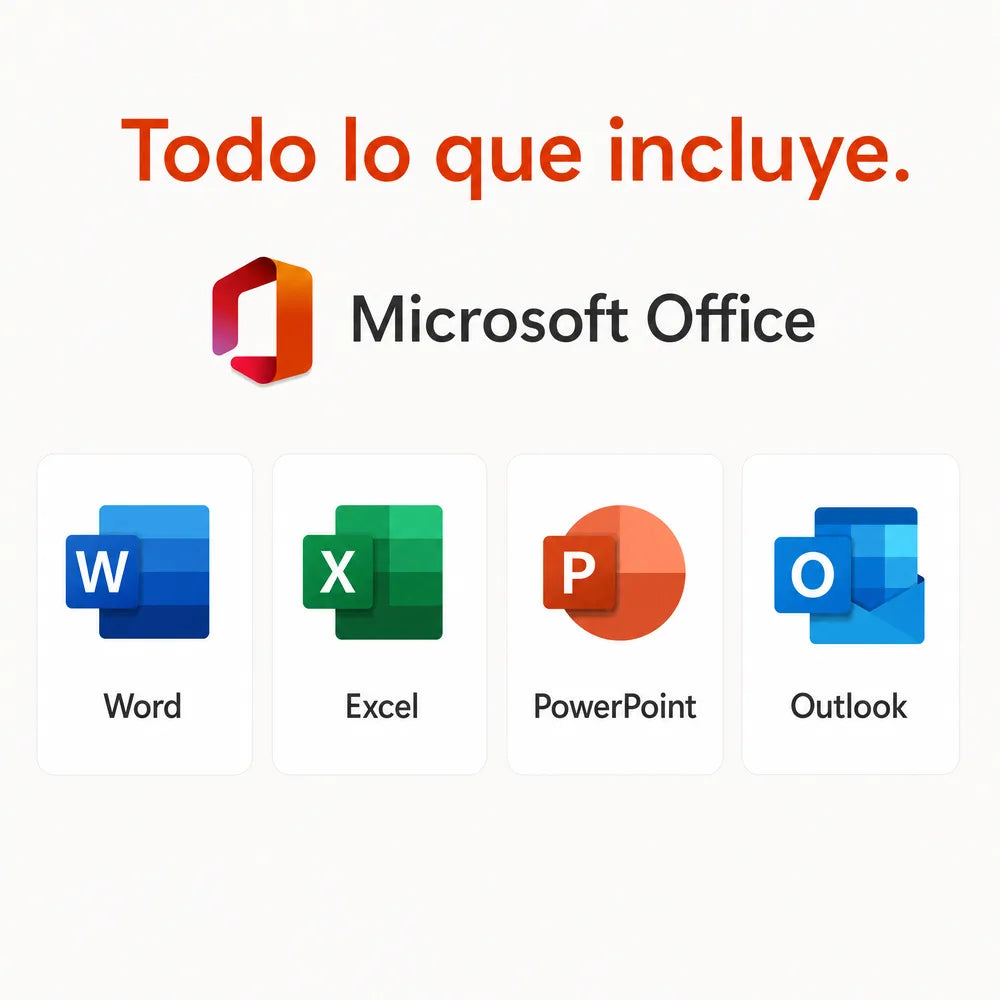
- Word for your documents, reports, and letters.
- Excel for spreadsheets, calculations, and charts.
- PowerPoint for professional presentations.
- Outlook to manage your email and calendar.
- Lifetime license, with no monthly payments or renewals.
One-time purchase, not a subscription
Unlike Microsoft 365, here we don’t charge you year after year. You pay once and Office stays active on your Mac permanently. Your investment pays off for years.
Genuine, no nasty surprises
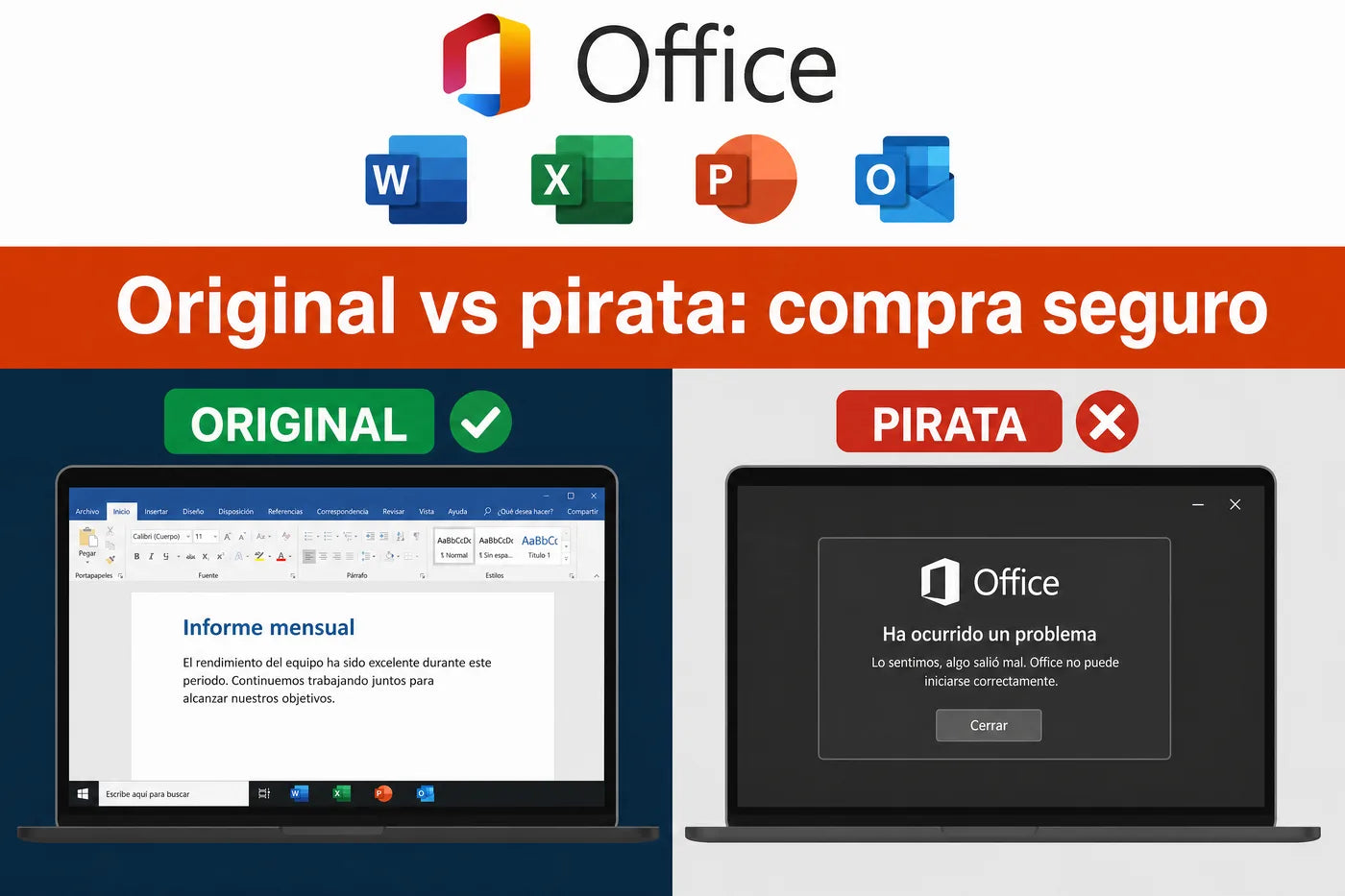
Pirated versions crash, don’t get security updates, and can carry malware that puts your files at risk. With Virtual Keys you get a 100% genuine license that you activate in your Microsoft account, stable and backed.
How you receive it
After your purchase, our team prepares your license and we send it to you by email in about an hour, with step-by-step instructions. You receive a key that you activate in your Microsoft account to download and install Office on your Mac.
Compatibility and requirements
Office 2019 Home & Business works on Mac. Important requirement: you need macOS 11 (Big Sur) or later. Earlier versions of macOS are not compatible with Office, so confirm your version before you buy.
Buy with confidence
- 100% genuine Microsoft Office license.
- Lifetime license for your Mac.
- 12-month warranty.
- Real support, in Spanish, if you have questions when activating.
- Delivered to your email in about an hour.
Frequently asked questions
Is it genuine? Yes, it’s an official Microsoft Office license that you activate in your account.
How long does it take to arrive? We prepare it and send it to your email in about an hour.
Does it work on Mac? Yes, it works on Mac. You need macOS 11 (Big Sur) or later; earlier versions are not compatible.
Is it lifetime or do I have to renew? It’s lifetime. You pay once, with no renewals.
Bring genuine Office to your Mac, with no monthly fees. Buy your Office 2019 Home & Business at Virtual Keys.
Everything your license includes
How to activate your license step by step
- Redeem your code
Go to setup.office.com, sign in with your Microsoft account, and enter the 25-digit code we sent you. - Download and install
Click Install, open the downloaded file, and follow the wizard until it finishes. - Activate with your account
Open Word or Excel and sign in with the same Microsoft account you used to redeem the code. - All set, get to work!
Office confirms the license on screen and you can now use all your apps.
You may also like
Licenses related to this one.