


$48.95USD
One-time payment · No monthly fees
1-year warranty
- Email delivery; may take up to 48 hours
- Refund if the key doesn't work (30 days)
- Secure payment
Specifications
- Format
- Bindable License
- Compatibility
- macOS
- Duration
- Lifetime
- Warranty
- 1 year
- Devices
- 1 PC
How to activate
4 steps from your inbox.
Redeem your codeGo to setup.office.com, sign in with your Microsoft account, and enter the 25-digit code we sent you.
Download and installClick Install, open the downloaded file, and follow the wizard until it finishes.
Activate with your accountOpen Word or Excel and sign in with the same Microsoft account you used to redeem the code.
All set, time to get to work!Office confirms the license on screen and you can now use all your apps.
Description
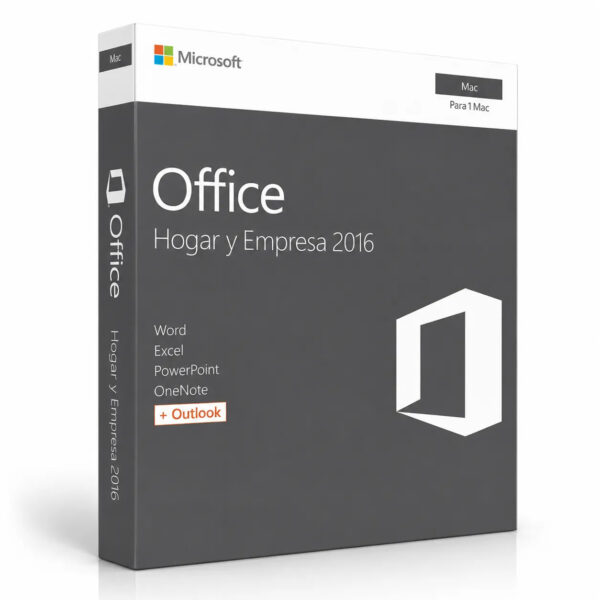
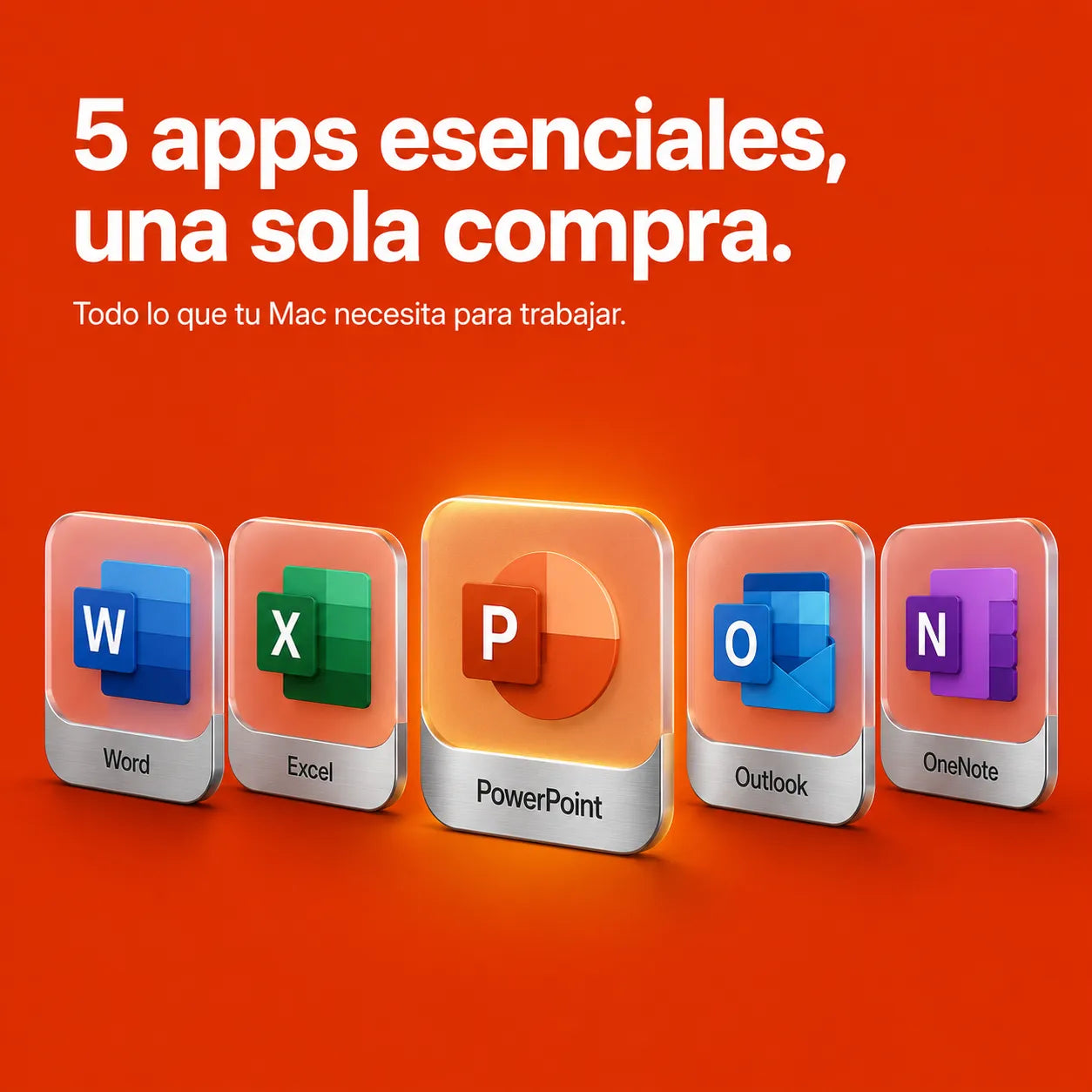
Office 2016 Home & Business is the ideal suite for users looking for productivity, organization, and communication all in one place. Designed for Mac, this package includes Word, Excel, PowerPoint, Outlook, and OneNote, offering a complete experience for work, school, and personal projects.
With Office 2016 Home & Business, you can create professional documents in Word, manage spreadsheets and data analysis in Excel, design impactful presentations with PowerPoint, organize your email and calendar in Outlook, and keep all your notes neatly organized in OneNote. Its integration with macOS ensures smooth performance, stability, and an interface tailored to the needs of Apple users.
One of its biggest advantages is that it’s a one-time-payment license. Unlike subscription versions, this edition lets you enjoy all the applications indefinitely with no additional costs. It also includes security updates and technical support to keep your software always protected and running at its best.
Office 2016 Home & Business is designed for both home users and professionals who need reliable, easy-to-use tools. With this suite, you’ll work efficiently and securely on your Mac.
Get Office 2016 Home & Business today and take your productivity to the next level.
Everything your license includes
How to activate your license, step by step
- Redeem your code
Go to setup.office.com, sign in with your Microsoft account, and enter the 25-digit code we sent you. - Download and install
Click Install, open the downloaded file, and follow the wizard until it finishes. - Activate with your account
Open Word or Excel and sign in with the same Microsoft account you used to redeem the code. - All set, time to get to work!
Office confirms the license on screen and you can now use all your apps.
Reviews
5.0
out of 5 · 3 reviews
5 out of 5
Excelente producto mil recomendado
5 out of 5
Segunda vez que compro, responsables, y además me acompañaron durante todo el proceso
5 out of 5
Muy fácil de instalar y cumple con lo ofrecido
Read all 3 reviews and write yours
3 reviews for Office 2016 Home & Business, Complete Productivity for Mac
You may also like
Licenses related to this one.

FRANCISCO ANDRES ZAVALA MARIN –
Excelente producto mil recomendado
Marianela Caceres –
Segunda vez que compro, responsables, y además me acompañaron durante todo el proceso
Mario Jara vidal –
Muy fácil de instalar y cumple con lo ofrecido