




$14.99USD
- Email delivery; may take up to 48 hours
- Refund if the key doesn't work (30 days)
- Secure payment
Specifications
- Format
- Invitation
How to activate
4 steps from your inbox.
Schedule the connectionAfter your purchase, we contact you to schedule the remote installation at a time that works for you.
Install AnyDeskDownload AnyDesk and share the code with us so we can connect to your computer securely.
We get it ready for youWe install and activate the software for you while you follow along.
All set, start using it!When we're done, we close the connection and your program is up and running.
Description
Remote Software Installation is the ideal service for setting up your programs quickly, securely, and hassle-free. Through an online connection, a specialized technician installs and optimizes the software you need, ensuring stable performance on your PC without you having to leave home.
With Remote Software Installation you can activate Windows, set up Office, install antivirus software, or get professional applications like Adobe and Autodesk ready. The entire process is carried out under expert supervision, avoiding common errors and saving you valuable time.
This service also includes personalized assistance and security measures during the connection, guaranteeing the protection of your data. Plus, you don’t need technical knowledge: our team carries out the entire procedure while you simply check the final result.
The Remote Software Installation service is perfect for entrepreneurs, students, professionals, and businesses that want immediate productivity without technical complications. With support in Spanish and fast service, you’ll have your programs ready to use in minutes.
At Virtual Keys you can purchase this service at the best price and get immediate attention from specialized technicians.
Buy the Remote Software Installation service at Virtual Keys and enjoy a professional, secure, and efficient setup directly on your PC.
Everything your license includes
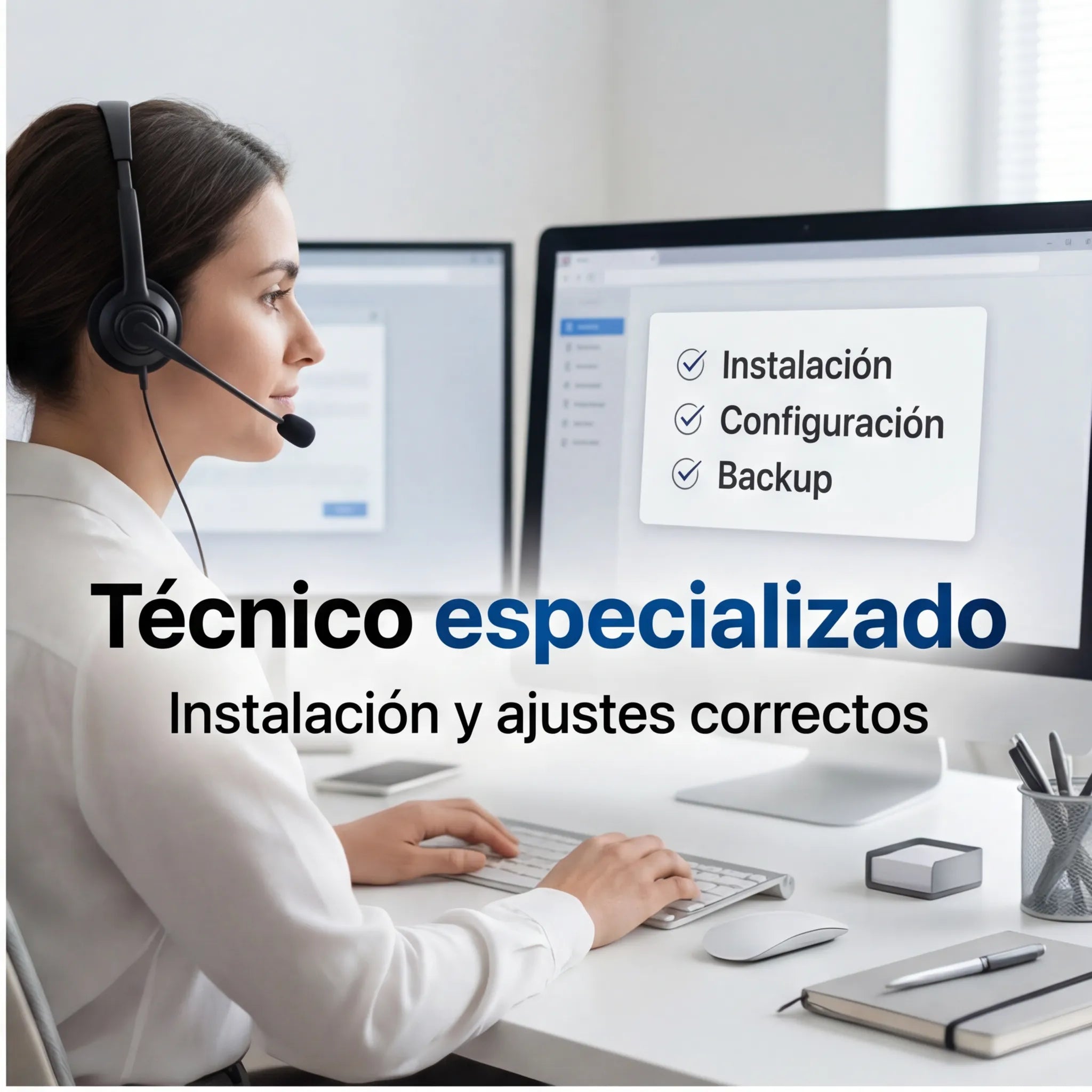
How to activate your license step by step
- Schedule the connection
After your purchase, we contact you to schedule the remote installation at a time that works for you. - Install AnyDesk
Download AnyDesk and share the code with us so we can connect to your computer securely. - We get it ready for you
We install and activate the software for you while you follow along. - All set, start using it!
When we’re done, we close the connection and your program is up and running.
Reviews
5.0
out of 5 · 1 review
5 out of 5
rápida atención, amabilidad, excelente disposición , recomendado
Read all 1 reviews and write yours
1 review for Remote Software Installation: Online, Fast, and Secure on Your PC
You may also like
Licenses related to this one.


Claudia Cordova –
rápida atención, amabilidad, excelente disposición , recomendado