


Adobe
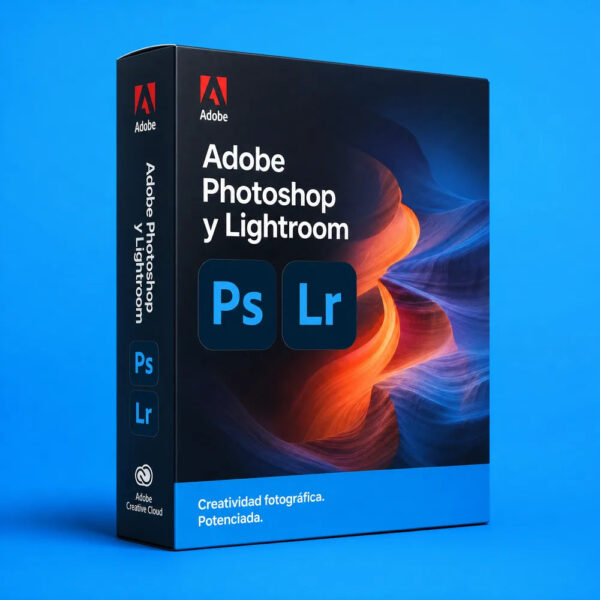
Adobe Photography Plan Photoshop and Lightroom
Your photos deserve more than a filter.
From$18.99USD
One-time payment · 1 month, 3 months or 1 year
Up to 1-year warranty
- Email delivery; may take up to 48 hours
- Refund if the key doesn't work (30 days)
- Secure payment
Specifications
- Plan
- 1 TB · 1 month, 1 TB · 3 months, 1 TB · 1 year
- Format
- Bindable License
- Compatibility
- Windows, macOS, iOS, Android
- Duration
- 1 month, 3 months, 1 year
- Warranty
- 30 days, 90 days, 1 year
- Devices
- 2 PC
- Cloud storage
- 1 TB
How to activate
4 steps from your inbox.
Go to your Adobe accountSign in at adobe.com with your email. If you don't have an account yet, create one; it's free and takes a minute.
Redeem your codeOpen Adobe's redemption page, type the code we sent you by email, and confirm. The plan is now associated with your account.
Download your programsInstall the Creative Cloud app from adobe.com and from there download the programs included in your plan.
All set, get to work!Your license is now active on your own account. If you have any questions, write to us and we'll walk you through it.
Description
Take your photos to a professional level with Photoshop and Lightroom
Phone filters don’t do a good photo justice. Adobe’s photography plan gives you Lightroom and Photoshop, the two tools real photographers use to develop, organize, and retouch, without paying for the full suite you’re not going to use.
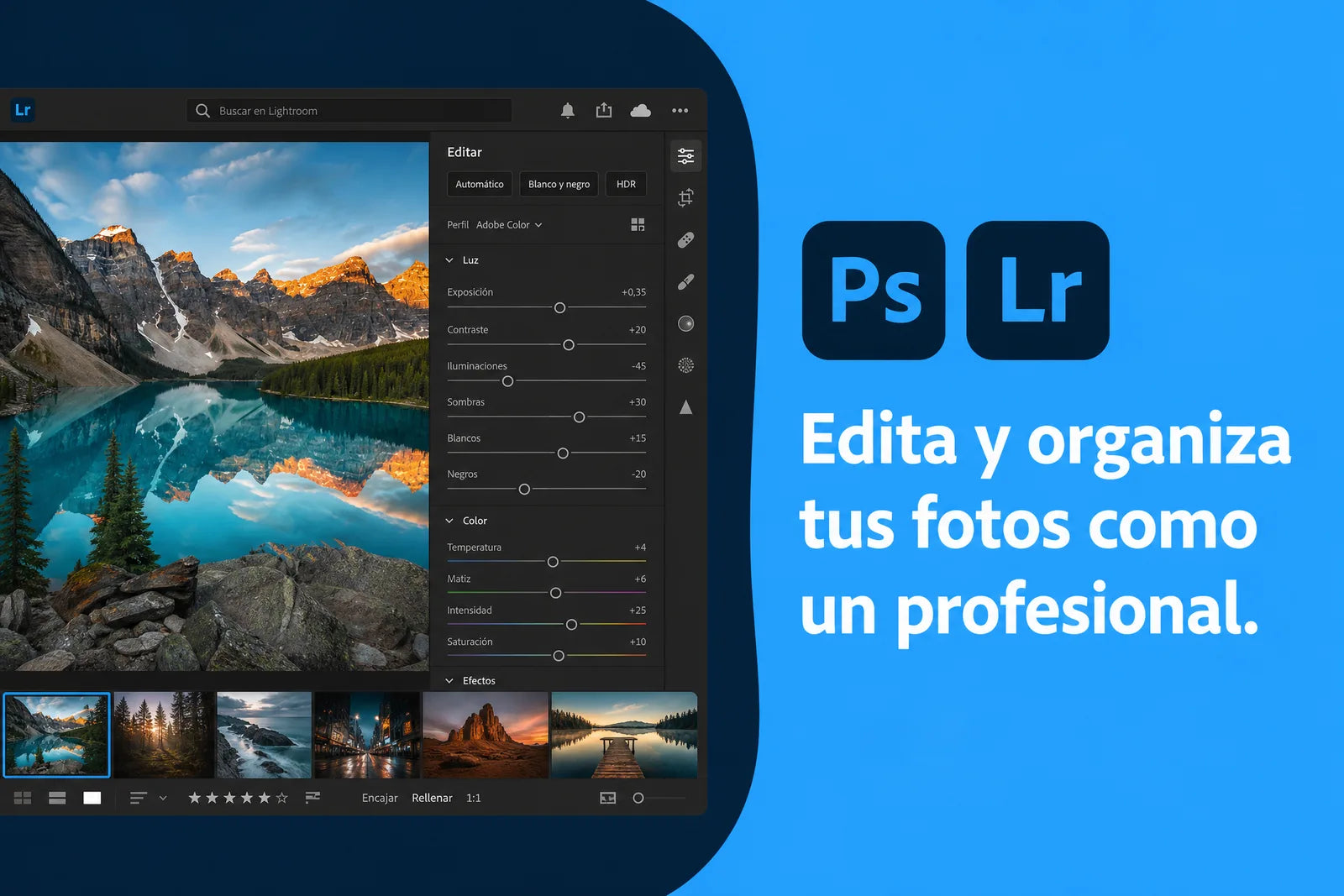
What it is and who it’s for
It’s Adobe’s plan designed for photography. It’s for photographers, content creators, and anyone who wants their images to look incredible. Lightroom organizes and develops your photos with cloud syncing, and Photoshop handles fine retouching and composites.
Choose the plan that suits you
- 1 TB for 1 month: ideal for trying out the full workflow or for a short project.
- 1 TB for 3 months: for a season of photography work.
- 1 TB for 1 year: the longest term, to back up thousands of photos and work all year long.
What your license includes
- Photoshop for retouching, compositing, and photomontages.
- Lightroom for developing and organizing with your photos in the cloud.
- Lightroom Classic for advanced editing on your computer.
- 1 TB of cloud storage, included in all three plans.
Everything works together: you start in Lightroom and move to Photoshop without losing quality.
Genuine, without the risks of pirated software
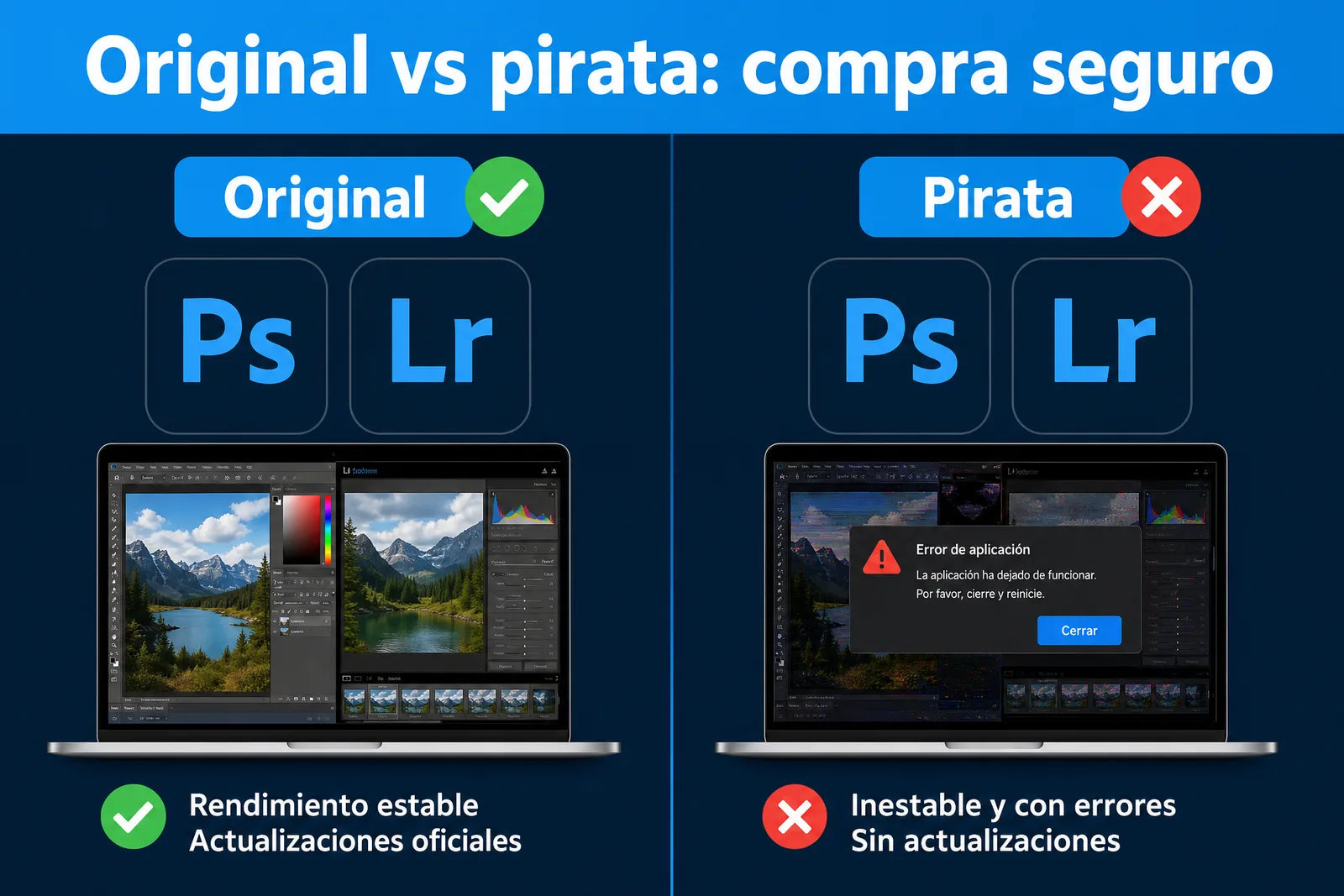
Pirated versions come with modified files, glitches, and sometimes malware on the same computer where you keep your photos. Here you buy a 100% genuine license, stable and with support behind it.
How you receive your license
As soon as we confirm your purchase, we prepare your code and send it to you by email in about an hour, with the instructions to activate it on your Adobe account.
Compatibility
Works on Windows and Mac, with Lightroom apps for Android and iPhone to edit from your phone. Your photos sync across devices with the 1 TB that comes with your plan.
Buy with confidence
- 100% genuine Adobe license.
- Virtual Keys warranty and support.
- Email delivery, prepared by our team in about an hour.
- Clear instructions to activate without hassle.
Frequently asked questions
Is it genuine? Yes, it’s an official Adobe license that you activate on your own account.
How long does it take to arrive? We prepare it and it reaches you by email in about an hour.
What’s the difference between the plans? The term changes. All three come with 1 TB in the cloud, so you choose how long you want the license for.
Can I edit from my phone? Yes, with the Lightroom apps for Android and iPhone.
Get Photoshop and Lightroom and take your photos to another level
Choose your plan and start editing with the tools the professionals use.
How to activate your license step by step
- Go to your Adobe account
Sign in at adobe.com with your email. If you don’t have an account yet, create one; it’s free and takes a minute. - Redeem your code
Open Adobe’s redemption page, type the code we sent you by email, and confirm. The plan is now associated with your account. - Download your programs
Install the Creative Cloud app from adobe.com and from there download the programs included in your plan. - All set, get to work!
Your license is now active on your own account. If you have any questions, write to us and we’ll walk you through it.
You may also like
Licenses related to this one.