



Adobe
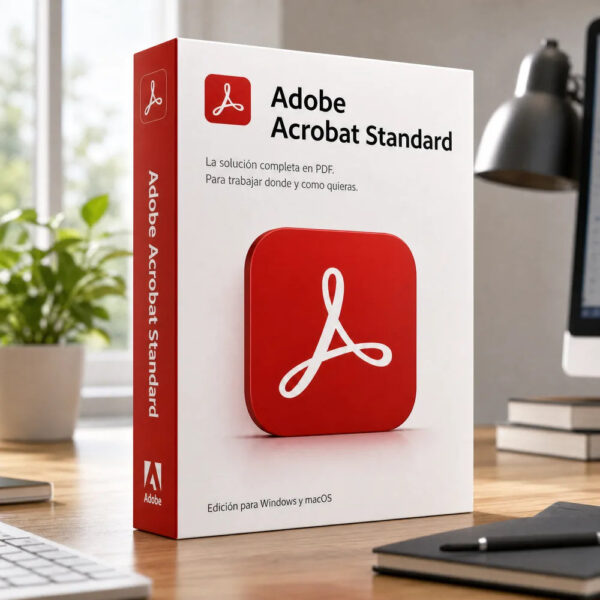
Adobe Acrobat Standard
Working with PDFs shouldn't be a fight.
From$19.99USD
One-time payment · 1 month or 3 months
Up to 90-day warranty
- Email delivery; may take up to 48 hours
- Refund if the key doesn't work (30 days)
- Secure payment
Specifications
- Duration
- 1 month, 3 months
- Format
- Bindable License
- Compatibility
- Windows, macOS, iOS, Android
- Warranty
- 30 days, 90 days
- Devices
- 2 PC
How to activate
4 steps from your inbox.
Sign in to your Adobe accountSign in at adobe.com with your email. If you don't have an account yet, create one; it's free and takes a minute.
Redeem your codeOpen Adobe's redemption page, type in the code we sent you by email, and confirm. The plan is linked to your account.
Download your programsInstall the Creative Cloud app from adobe.com and from there download the programs included in your plan.
All set, get to work!Your license is now active on your own account. If you have any questions, write to us and we'll help you through it.
Description
Your PDFs sorted, without paying for an annual plan
You get a PDF with a typo and you can’t touch it. Or they ask for your scanned signature and you end up printing, signing, and scanning again. Acrobat Standard is Adobe’s official tool to stop going around in those circles.
What it is and who it’s for
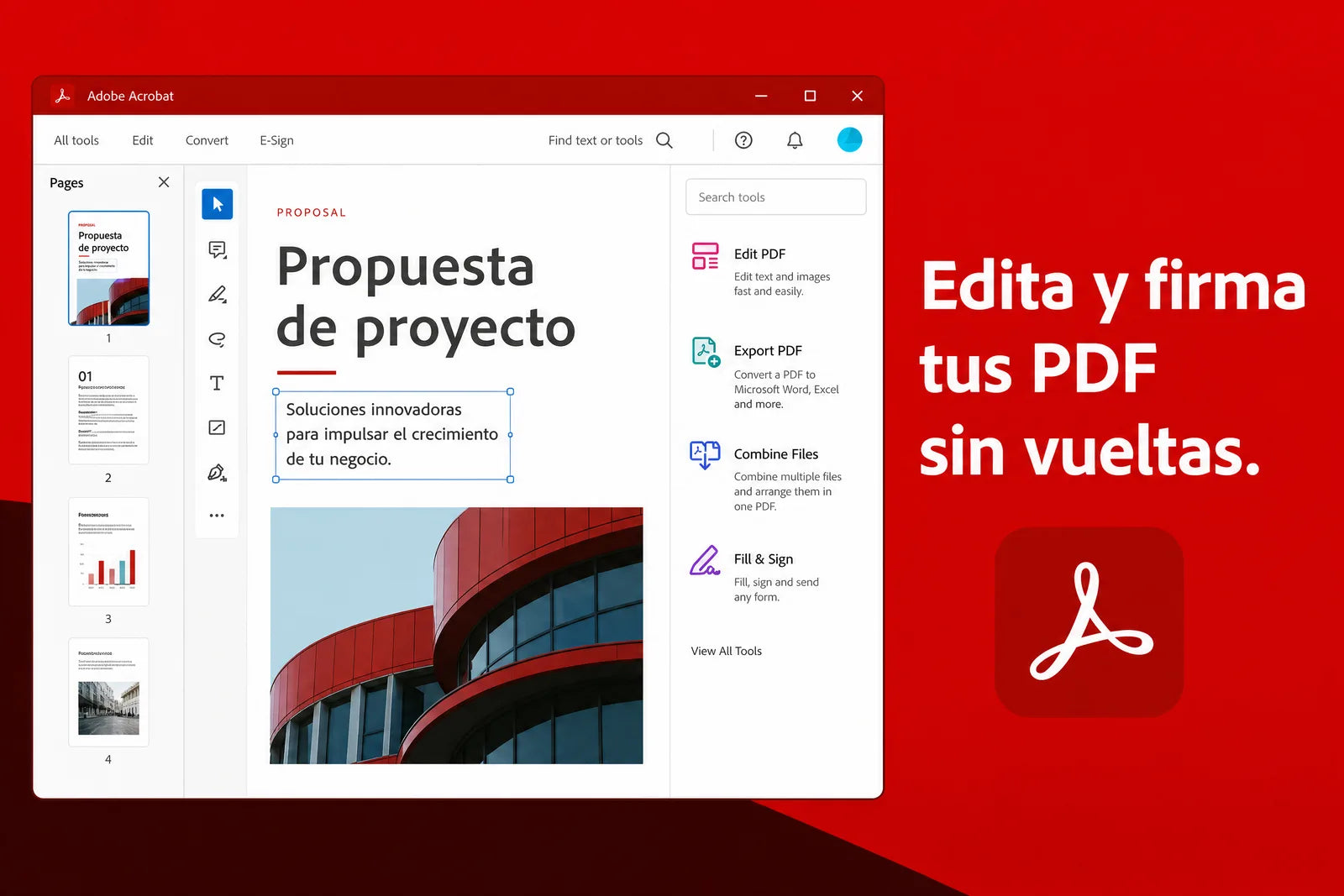
It’s the version of Acrobat designed for everyday work with documents: editing, signing, converting, and organizing. It’s for offices, independent professionals, students, and anyone who receives and sends PDFs every week. If you need advanced editing, version comparison, or complex forms, that’s the Pro version.
What you can do
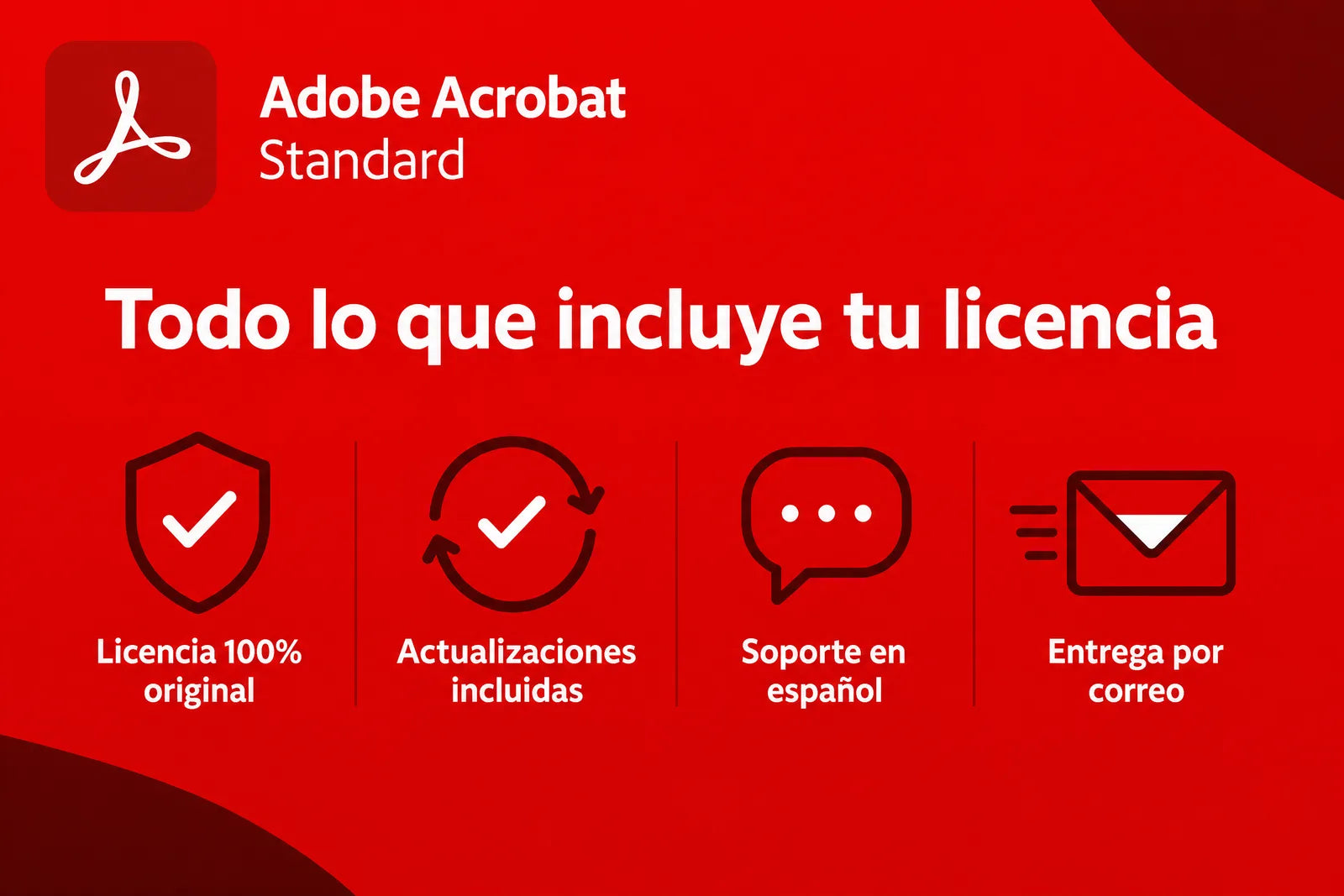
- Edit PDFs: fix text and images right in the document.
- Convert: turn your PDFs into Word, Excel, or PowerPoint and back, without breaking the formatting.
- Sign and fill: sign digitally and complete forms without printing anything.
- Combine and organize: merge several files into one and reorder, rotate, or delete pages.
- Protect: add a password to control who opens the document.
Genuine, without the risks of pirated software
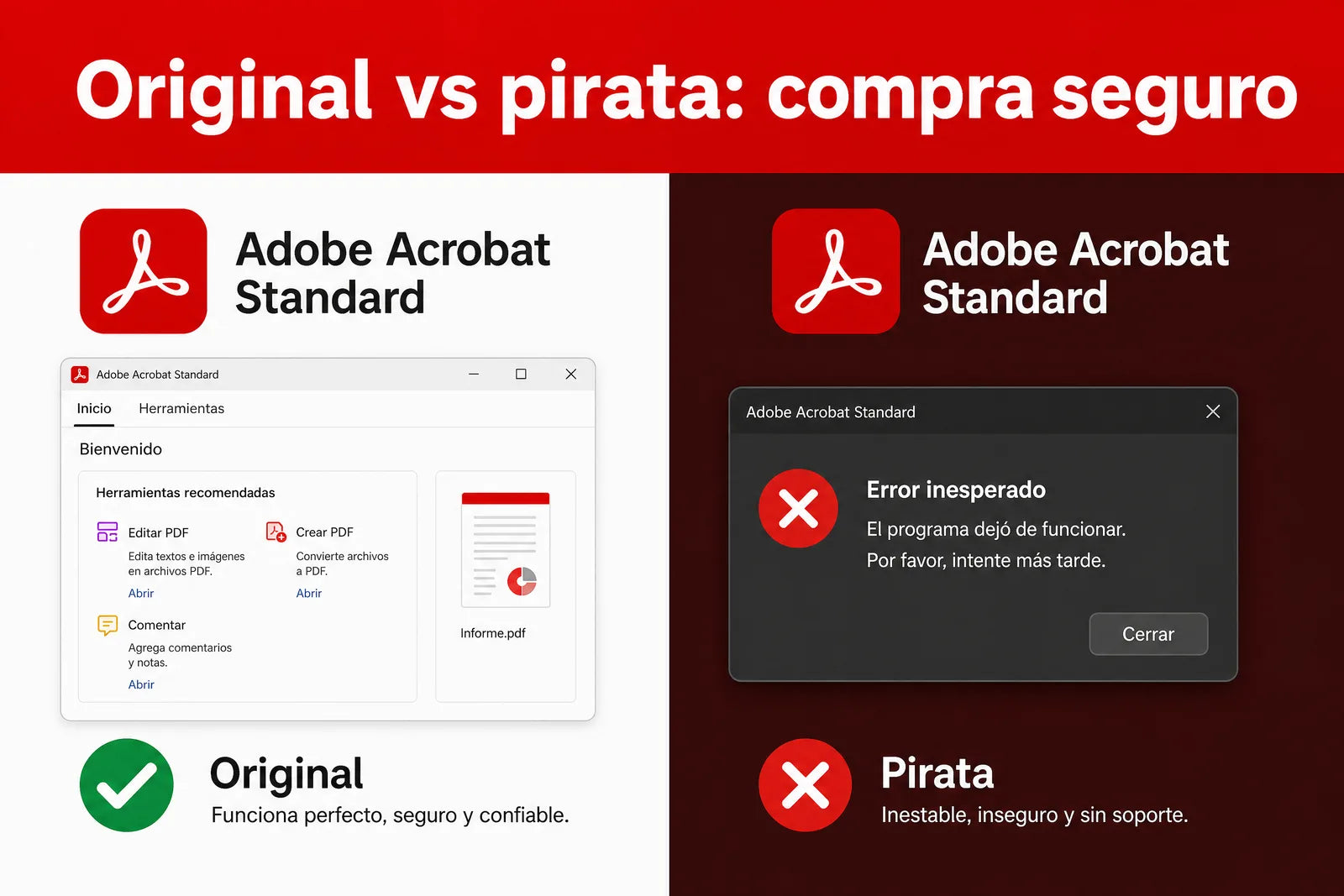
Cracked versions of Acrobat come with modified files, export failures, and sometimes malware, right on the computer where you handle contracts and documents containing data. Here you buy an official license that you activate on your own Adobe account.
How you receive your license
As soon as we confirm your purchase, our team prepares your license and sends it to you by email in about an hour, with step-by-step instructions to activate it on your Adobe account.
Compatibility
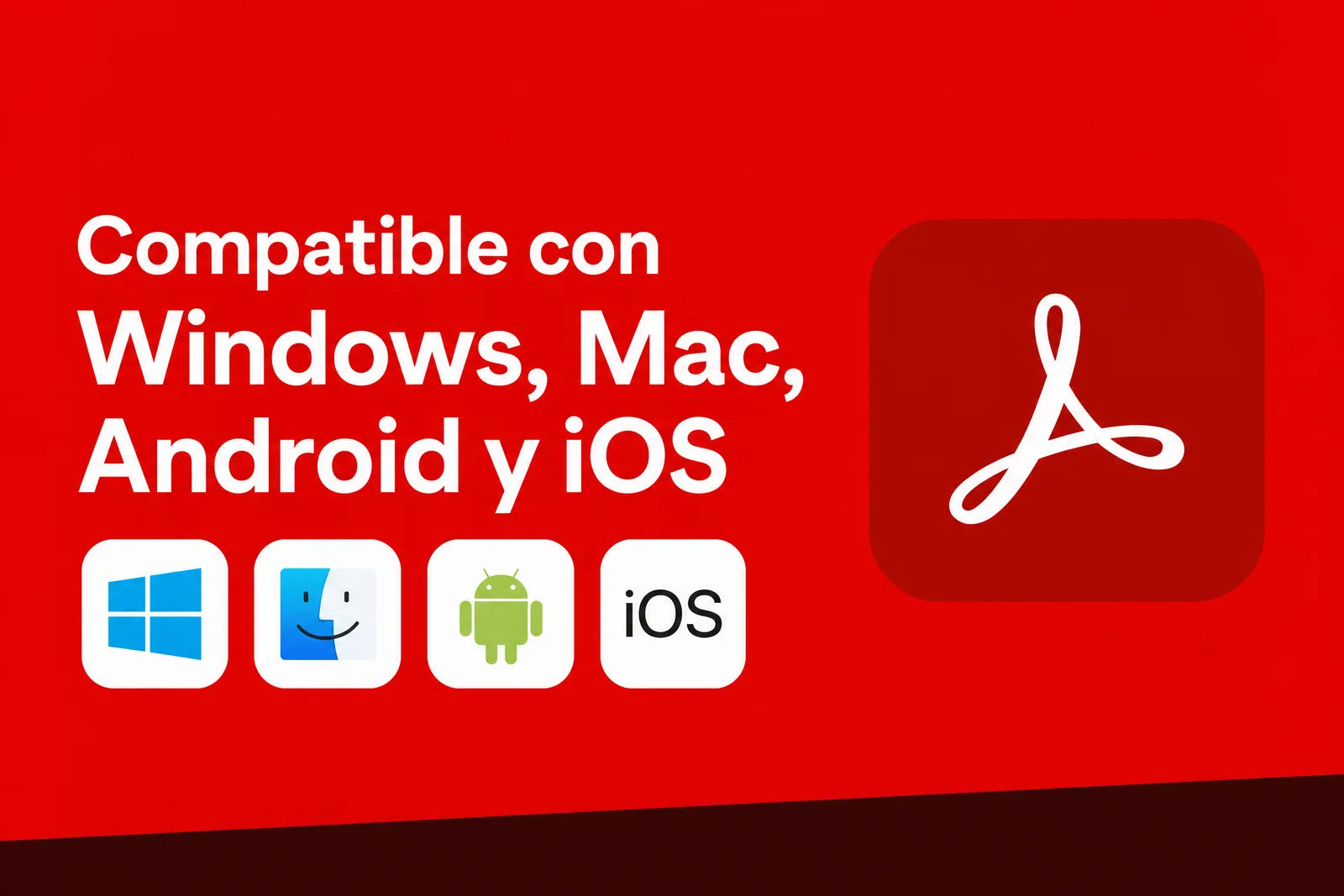
It works on Windows and Mac, with Acrobat apps for Android and iPhone to review and sign from your phone. The license covers up to 2 computers.
Buy with confidence
- 100% genuine Adobe license.
- Functionality warranty for the entire period of your license.
- Email delivery, prepared by our team in about an hour.
- Clear instructions to activate without complications.
Frequently asked questions
What’s the difference from Acrobat Pro? Standard covers what’s used every day: editing, signing, converting, and organizing. Pro adds advanced editing, document comparison, and features for more complex forms and PDFs.
Is it genuine? Yes, it’s an official Adobe license that stays active on your own account.
How long does it take to arrive? We prepare it and it reaches you by email in about an hour.
What happens when the period ends? You can renew whenever you want. Your files are still yours; PDF is an open format.
Does it work on Mac? Yes, it works on Windows and on Mac.
Stop fighting with your PDFs
Choose 1 or 3 months and start editing and signing with Adobe’s official tool.
How to activate your license step by step
- Sign in to your Adobe account
Sign in at adobe.com with your email. If you don’t have an account yet, create one; it’s free and takes a minute. - Redeem your code
Open Adobe’s redemption page, type in the code we sent you by email, and confirm. The plan is linked to your account. - Download your programs
Install the Creative Cloud app from adobe.com and from there download the programs included in your plan. - All set, get to work!
Your license is now active on your own account. If you have any questions, write to us and we’ll help you through it.
You may also like
Licenses related to this one.