



Autodesk
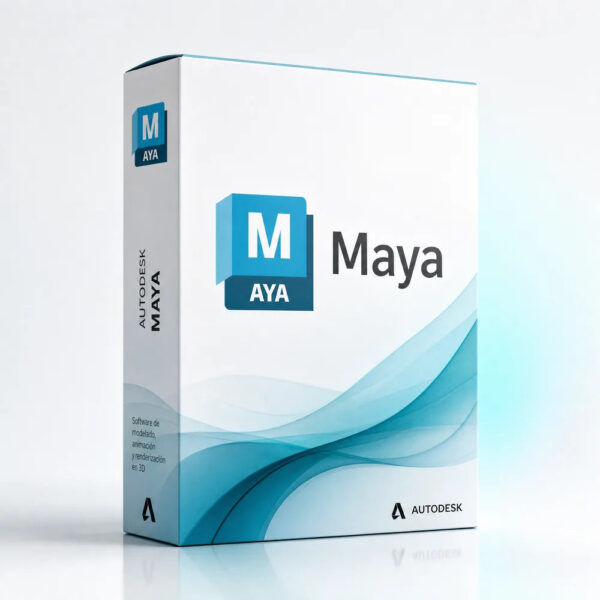
Autodesk Maya Commercial
Animating, modeling, and simulating in Maya with a questionable copy is the kind of risk that shows up when you render the final scene.
From$69.99USD
One-time payment · 1 month or 1 year
Up to 1-year warranty
- Email delivery; may take up to 48 hours
- Refund if the key doesn't work (30 days)
- Secure payment
Specifications
- Duration
- 1 month, 1 year
- Format
- Invitation
- Compatibility
- Windows, macOS
- Warranty
- 30 days, 1 year
- Devices
- 1 PC
How to activate
4 steps from your inbox.
Fill out the formFill out the form with your Autodesk ID (email) and your order number VK-XXXX. Always use that same email.
Wait for activationWe link the license to your account and notify you by email. It usually takes between 1 and 48 business hours.
Download your programGo to manage.autodesk.com, open All Products and Services, and download your software.
Activate and start designing!Open the application, sign in with your Autodesk ID, and you'll see your license active.
Description
Genuine Maya for animation and visual effects
A questionable copy of Maya tends to fail when you need it most: when rendering the final scene or opening another studio’s project. This is the genuine commercial license from Autodesk, for working with real clients and studios.
What it is and who it’s for
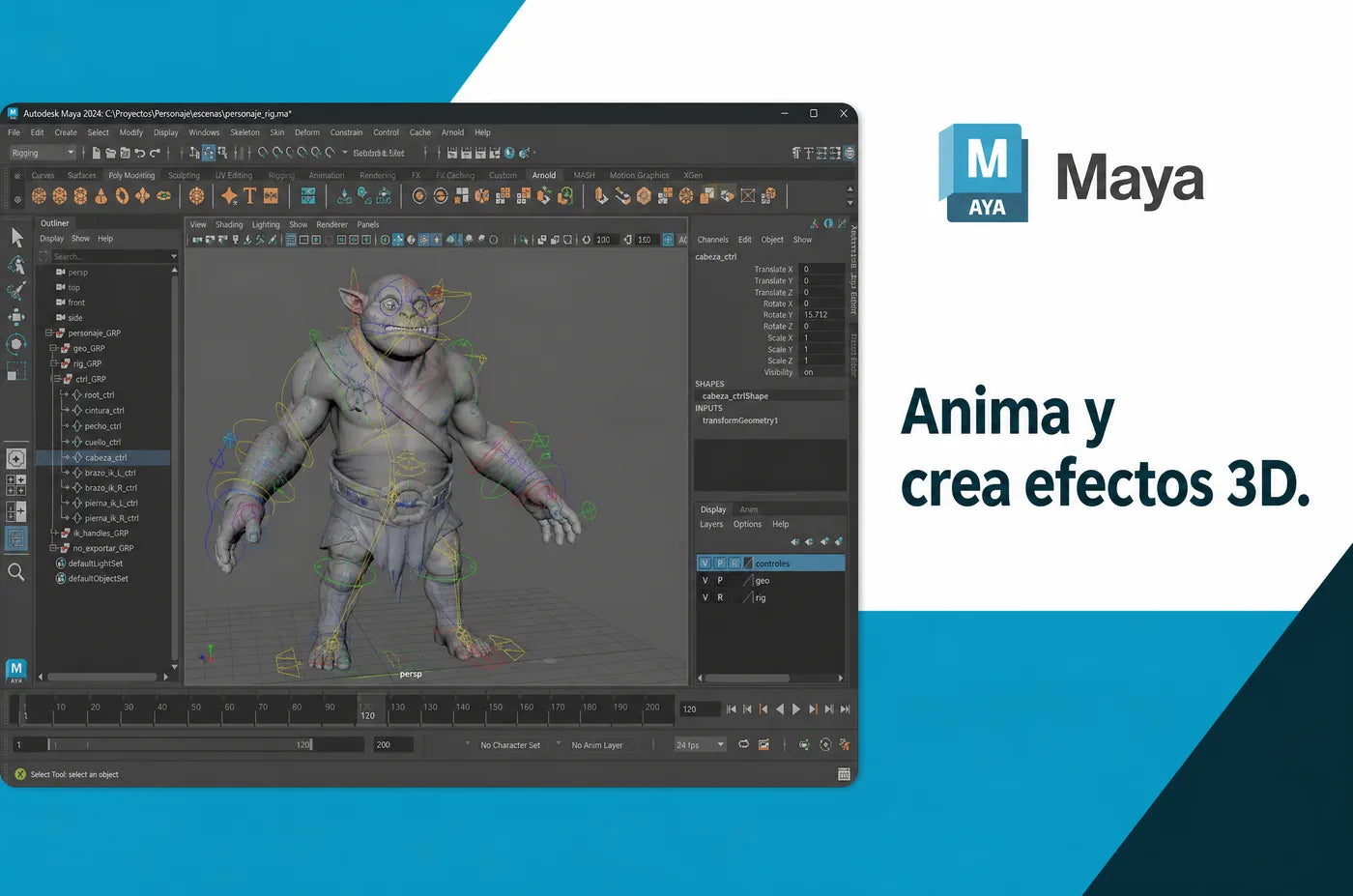
Maya is an industry standard for 3D animation, modeling, rigging, and visual effects. It’s used in film, series, advertising, and video games. If your job is to bring characters or scenes to life, it’s a program many studios ask for.
What you can do with your license
- Model characters and environments in 3D with sculpting and polygon tools.
- Animate with rigs and controls that respond the way you expect, frame by frame or with motion capture.
- Create effects like fluids, hair, cloth, and particles within the same program.
- Render your scenes with Arnold, the built-in render engine.
Genuine license, without the risks of pirated software
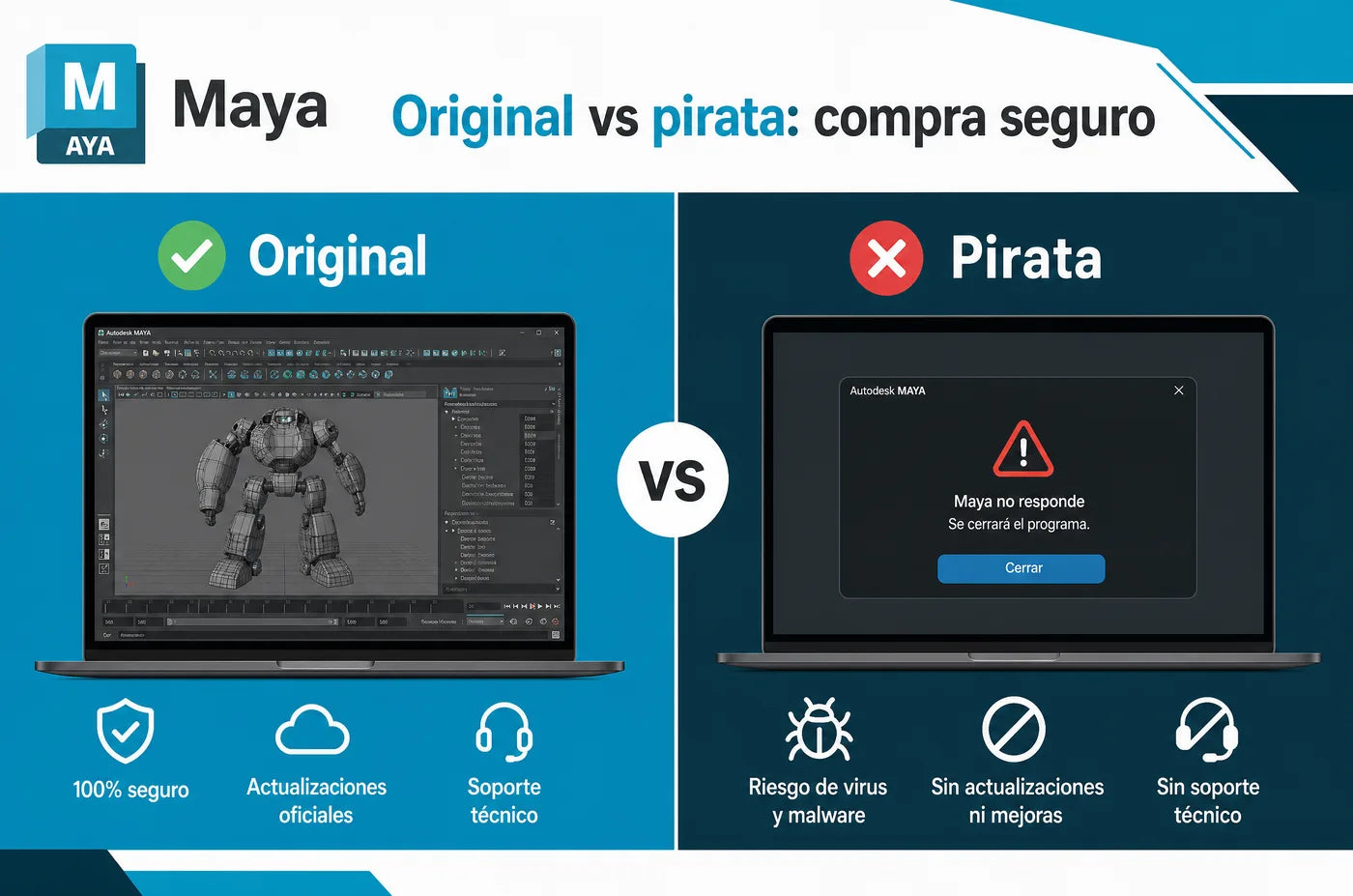
Cracked copies of Autodesk software don’t receive updates, fail right at important deliveries, and can bring malware onto the same computer where you keep your projects. Here you get a legitimate license that is activated on your own Autodesk account. Because it’s commercial, you can use it to work with clients.
How you receive your license
You make your purchase and fill out a short form with your Autodesk email and your order number. Our team links the license to your account and notifies you by email. It’s usually ready in about an hour; if demand is high, it can take up to 48 business hours. Then you download the program from your Autodesk account and install it with our instructions in Spanish. If you don’t have an Autodesk account yet, we help you create one.
Compatibility
It works on Windows and macOS, for 1 computer. You choose a 1-month or 1-year license.
Buy with confidence
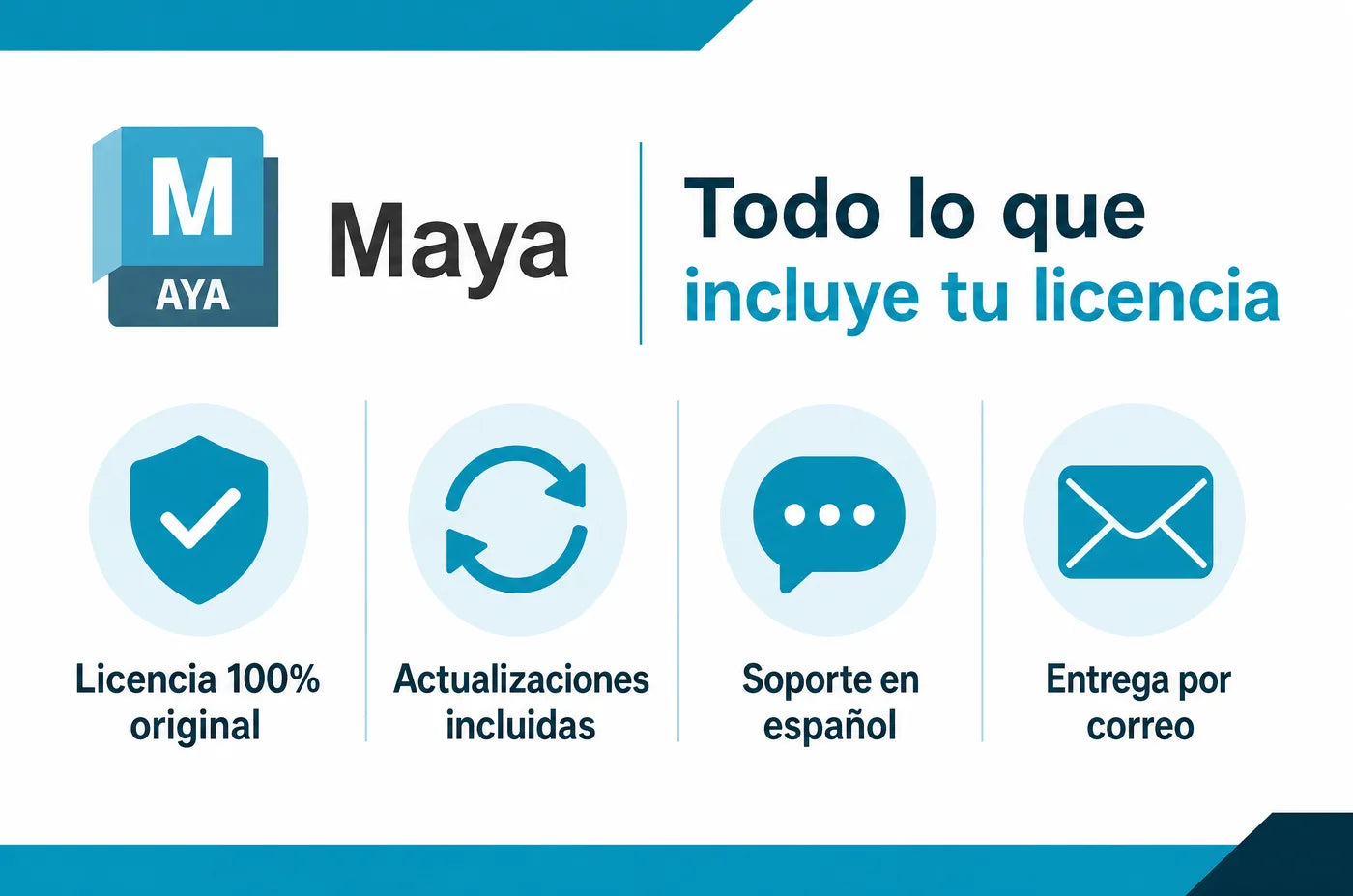
- 100% genuine commercial license from Autodesk.
- Functionality warranty for the entire period of your license.
- Activation on your own account, with support in Spanish.
- Step-by-step instructions to install and activate.
Frequently asked questions
Is it a genuine license? Yes. It’s a legitimate Autodesk license that stays active on your own account.
Can I use it for client work? Yes. It’s a commercial license, designed for professional work.
How long does it take to arrive? Usually about an hour after you fill out the form. When demand is high, it can take up to 48 business hours.
Does it work on Mac? Yes. This license works on Windows and on macOS.
What happens when the period ends? The license stops being active. Your files are still yours and you can buy a new license to keep working.
Choose your plan and get started
Choose 1 month or 1 year, fill out the form, and work with genuine Autodesk software.
How to activate your license step by step
- Fill out the form
Fill out the form with your Autodesk ID (email) and your order number VK-XXXX. Always use that same email. - Wait for activation
We link the license to your account and notify you by email. It usually takes between 1 and 48 business hours. - Download your program
Go to manage.autodesk.com, open All Products and Services, and download your software. - Activate and start designing!
Open the application, sign in with your Autodesk ID, and you’ll see your license active.
You may also like
Licenses related to this one.