




Autodesk
Autodesk Inventor Professional Commercial
An assembly of hundreds of parts is no place for a questionable copy.

From$69.99USD
One-time payment · 1 month or 1 year
Up to 1-year warranty
- Email delivery; may take up to 48 hours
- Refund if the key doesn't work (30 days)
- Secure payment
Specifications
- Duration
- 1 month, 1 year
- Format
- Invitation
- Compatibility
- Windows
- Warranty
- 30 days, 1 year
- Devices
- 1 PC
How to activate
4 steps from your inbox.
Fill out the formFill in the form with your Autodesk ID (email) and your order number VK-XXXX. Always use that same email.
Wait for activationWe link the license to your account and notify you by email. It usually takes between 1 and 48 business hours.
Download your programGo to manage.autodesk.com, open All Products and Services, and download your software.
Activate and start designing!Open the application, sign in with your Autodesk ID, and you'll see your active license.
Description
Genuine Inventor Professional for mechanical design
If you design parts and assemblies for manufacturing, you need a program that doesn’t fail when the file already has hundreds of components. This is the genuine commercial license for Inventor Professional, activated in your name with Autodesk.
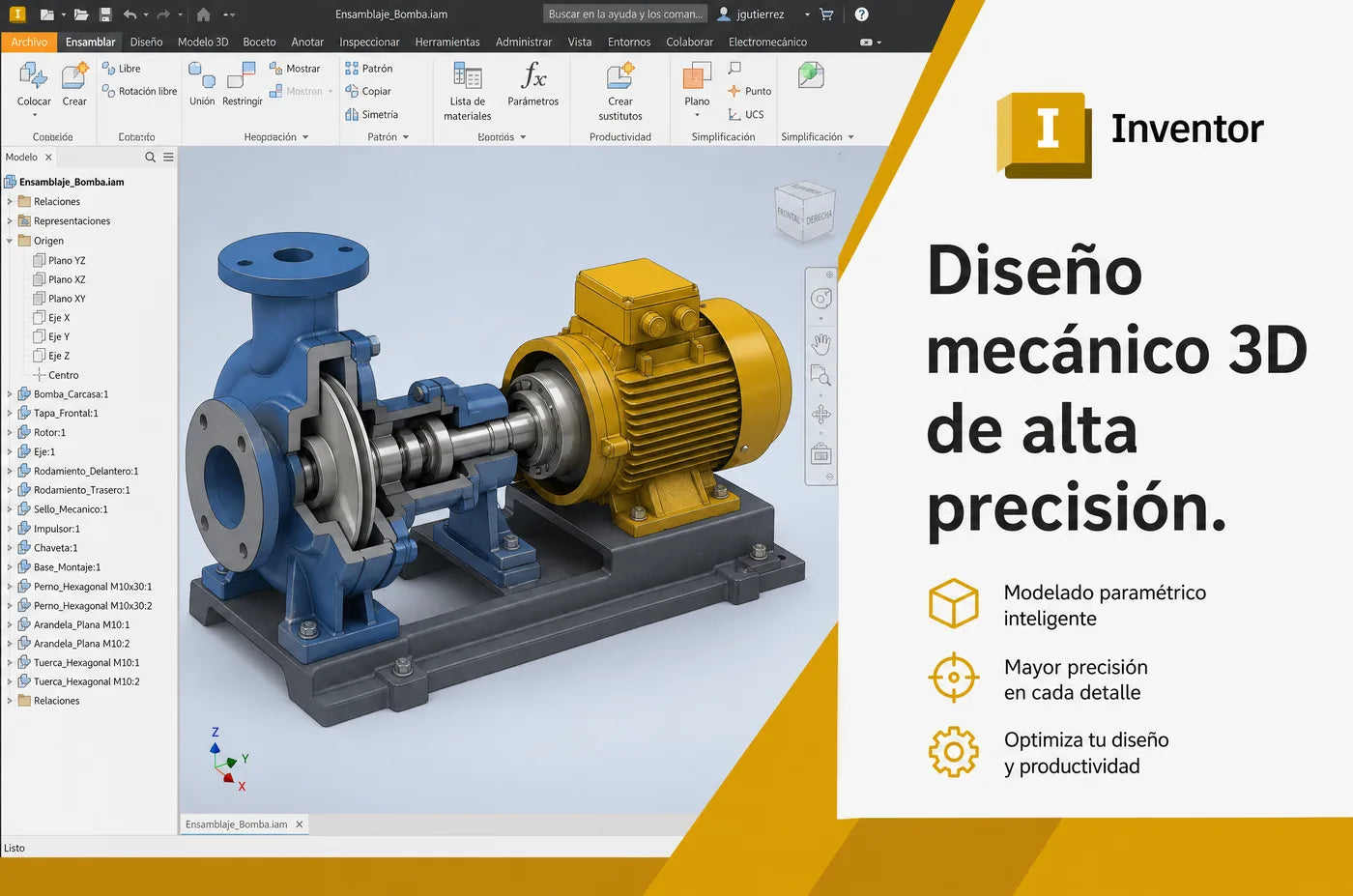
What it is and who it’s for
Inventor Professional is Autodesk’s software for 3D mechanical design. It’s used to model parts, build assemblies, simulate how they behave under load, and produce manufacturing drawings. It’s used by engineering firms, workshops, and manufacturers of machinery and products.
What you can do with your license
- Model large parts and assemblies in 3D with constraints that keep the design organized.
- Simulate stress and motion before manufacturing, to find the failures on screen and not in the shop.
- Generate manufacturing drawings and bills of materials straight from the model.
- Open files from AutoCAD and other CAD systems to work with what you already have.
Genuine license, without the risks of pirated software
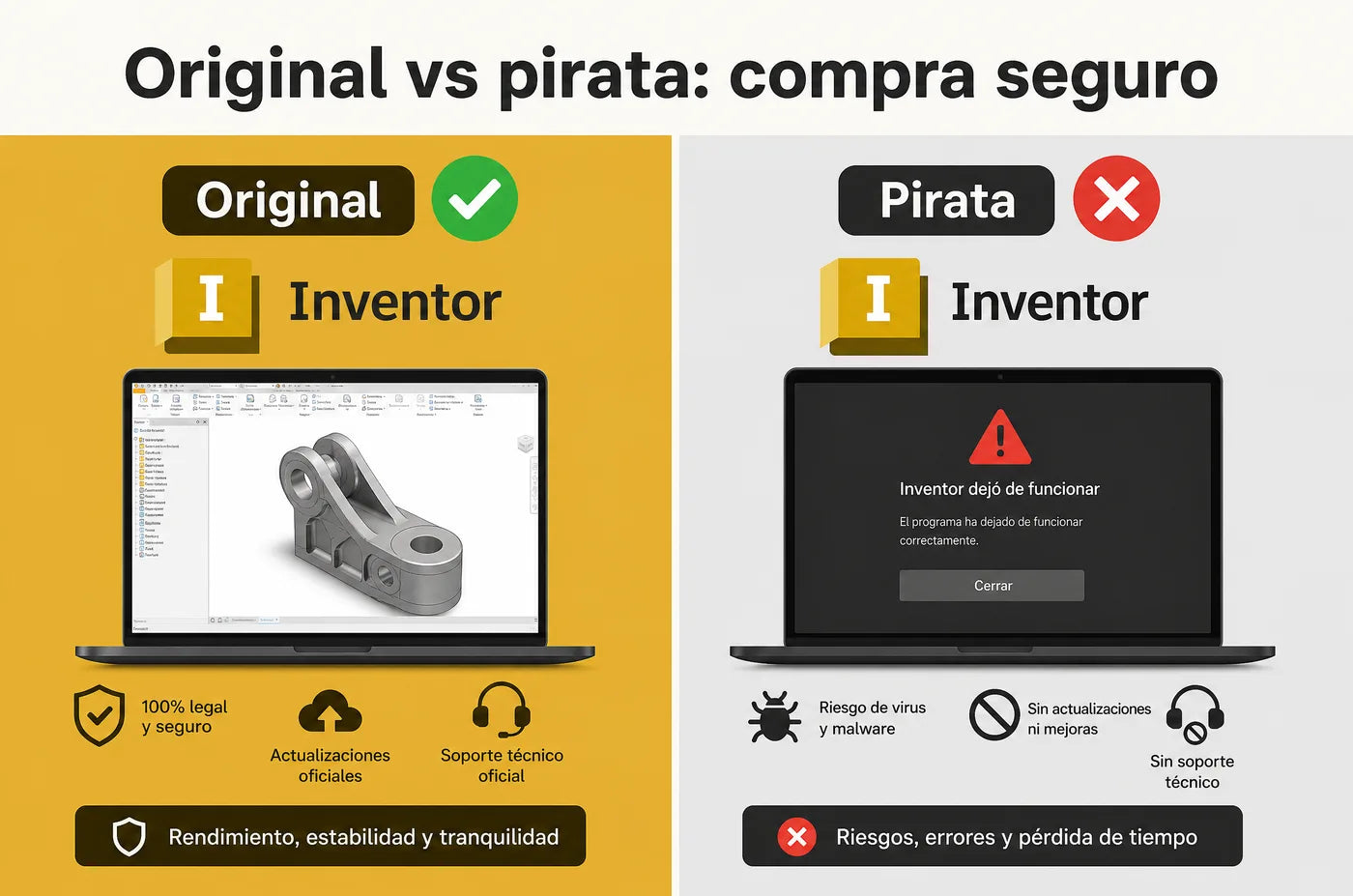
Cracked copies of Autodesk software don’t receive updates, fail right at the important deadlines, and can bring malware onto the same computer where you keep your projects. Here you receive a legitimate license that is activated in your name with Autodesk. Since it’s commercial, you can use it to work with clients.
How you receive your license
You buy and fill out a short form with your Autodesk email and your order number. Our team links the license to your account and notifies you by email. It’s normally ready in about an hour; if demand is high, it can take up to 48 business hours. Then you download the program from your Autodesk account and install it with our instructions in Spanish. If you don’t have an Autodesk account yet, we help you create one.
Compatibility

It works only on Windows, for 1 computer. You choose a 1-month or 1-year license.
Buy with confidence
- 100% genuine Autodesk commercial license.
- Functionality warranty throughout the entire period of your license.
- Activation in your own account, with support in Spanish.
- Step-by-step instructions to install and activate.
Frequently asked questions
Is it a genuine license? Yes. It’s a legitimate Autodesk license that stays active in your own account.
Can I use it for client work? Yes. It’s a commercial license, designed for professional work.
How long does it take to arrive? Normally about an hour after you complete the form. With high demand it can take up to 48 business hours.
Does it work on Mac? Inventor works only on Windows.
What happens when the period ends? The license is no longer active. Your files are still yours and you can buy a new license to keep working.
Choose your plan and get started
Choose 1 month or 1 year, complete the form, and work with genuine Autodesk software.
How to activate your license step by step
- Fill out the form
Fill in the form with your Autodesk ID (email) and your order number VK-XXXX. Always use that same email. - Wait for activation
We link the license to your account and notify you by email. It usually takes between 1 and 48 business hours. - Download your program
Go to manage.autodesk.com, open All Products and Services, and download your software. - Activate and start designing!
Open the application, sign in with your Autodesk ID, and you’ll see your active license.
You may also like
Licenses related to this one.