


Autodesk
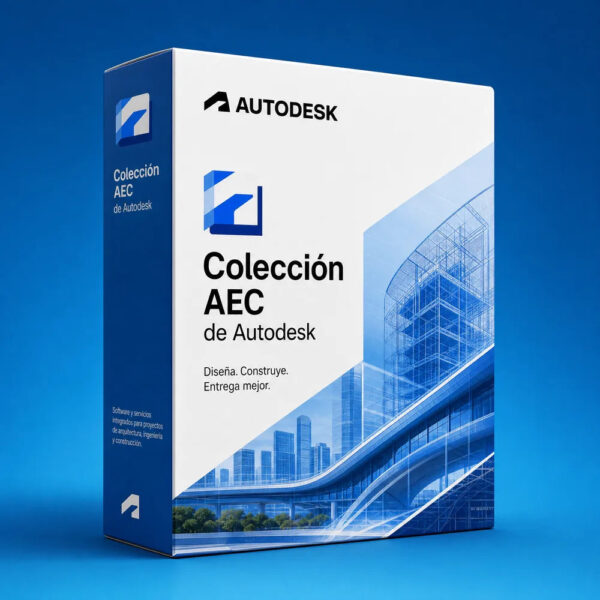
Autodesk AEC Collection
Buying Revit, AutoCAD, and Civil 3D separately costs a fortune.
From$70.99USD
One-time payment · 1 year or 3 years
Up to 3-year warranty
- Email delivery; may take up to 48 hours
- Refund if the key doesn't work (30 days)
- Secure payment
Specifications
- Duration
- 1 year, 3 years
- Format
- Invitation
- Compatibility
- Windows
- Warranty
- 1 year, 3 years
- Devices
- 1 PC
How to activate
4 steps from your inbox.
Fill out the formFill out the form with your Autodesk ID (email) and your order number VK-XXXX. Always use that same email.
Wait for activationWe link the license to your account and notify you by email. It usually takes between 1 and 48 business hours.
Download your softwareGo to manage.autodesk.com, open All Products and Services, and download your software.
Activate and start designing!Open the application, sign in with your Autodesk ID, and you'll see your active license.
Description
The complete Autodesk suite for architecture, engineering, and construction
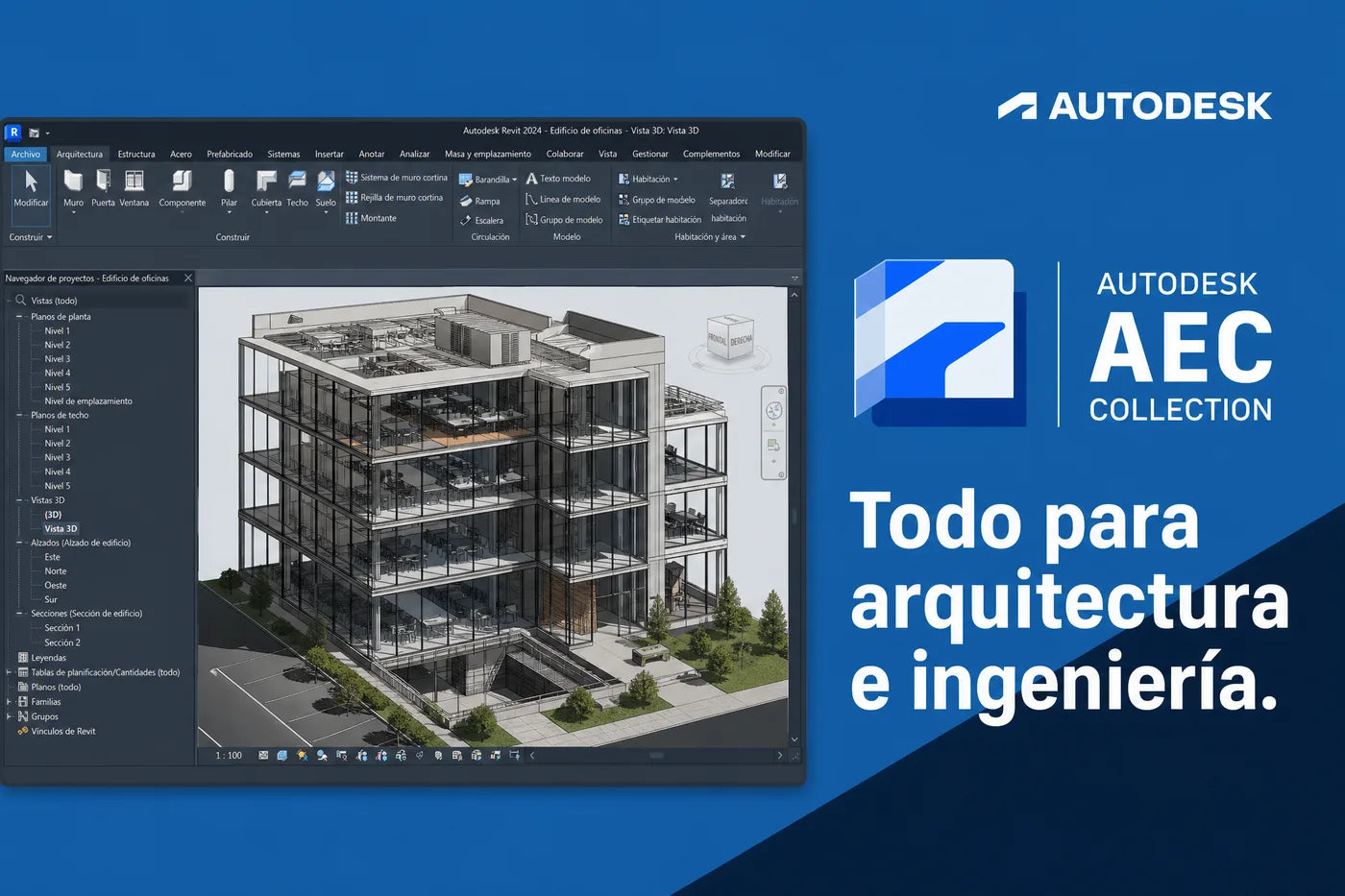
Putting together your Autodesk kit by buying Revit, AutoCAD, and Civil 3D separately costs a fortune, and on top of that it leaves you managing several separate licenses. The AEC Collection solves that: it gives you the entire professional set in a single genuine license, ready for end-to-end BIM projects.
What it is and who it’s for
The AEC Collection is the Autodesk package designed for architecture firms, engineering offices, and construction teams. It brings together the tools used on a real project, from the BIM model to coordination and documentation, without you having to jump between different subscriptions.
What your license includes
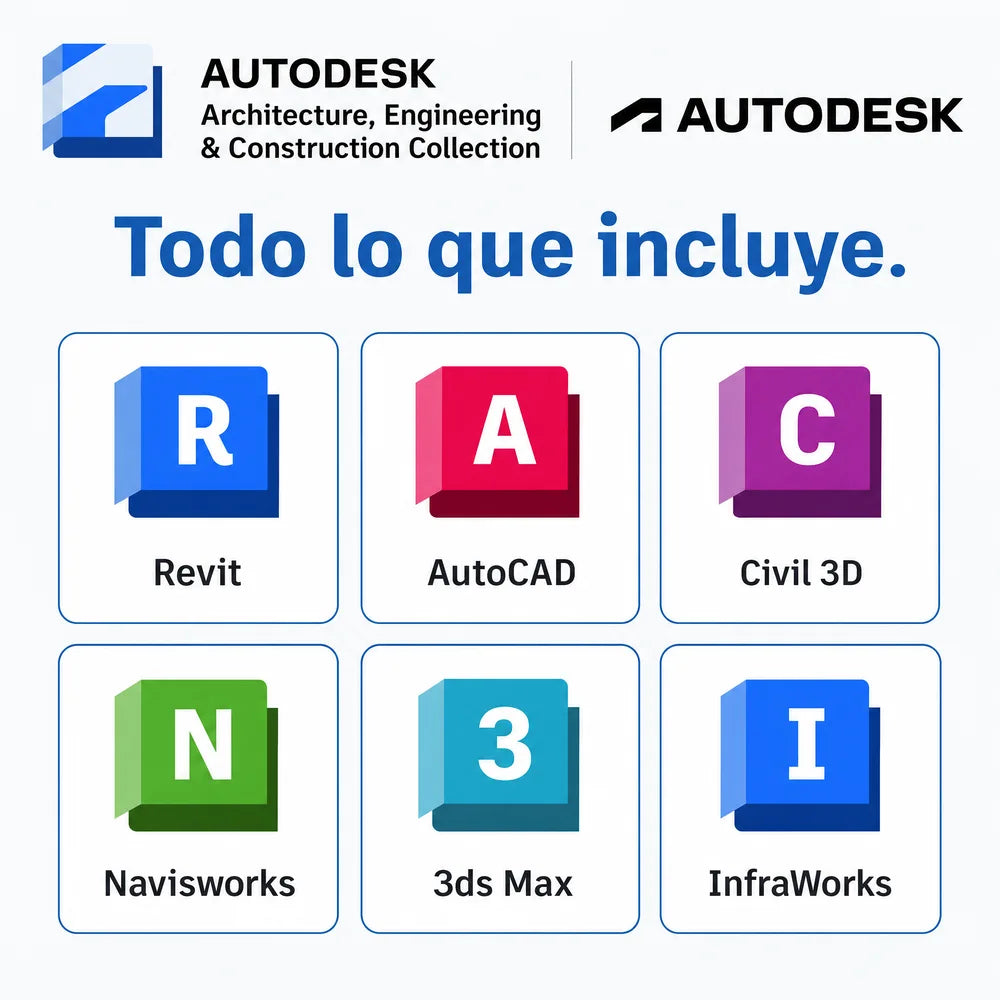
- Revit for BIM modeling of buildings and building systems.
- AutoCAD and its specialized toolsets for 2D and 3D drafting.
- Civil 3D for infrastructure, terrain, and road works design.
- Navisworks to coordinate disciplines and detect clashes before building.
- InfraWorks and 3ds Max for conceptual design and presentation images.
Everything works together, so you go from the model to coordination and to delivery without losing information along the way.
Genuine, without the risks of pirated software
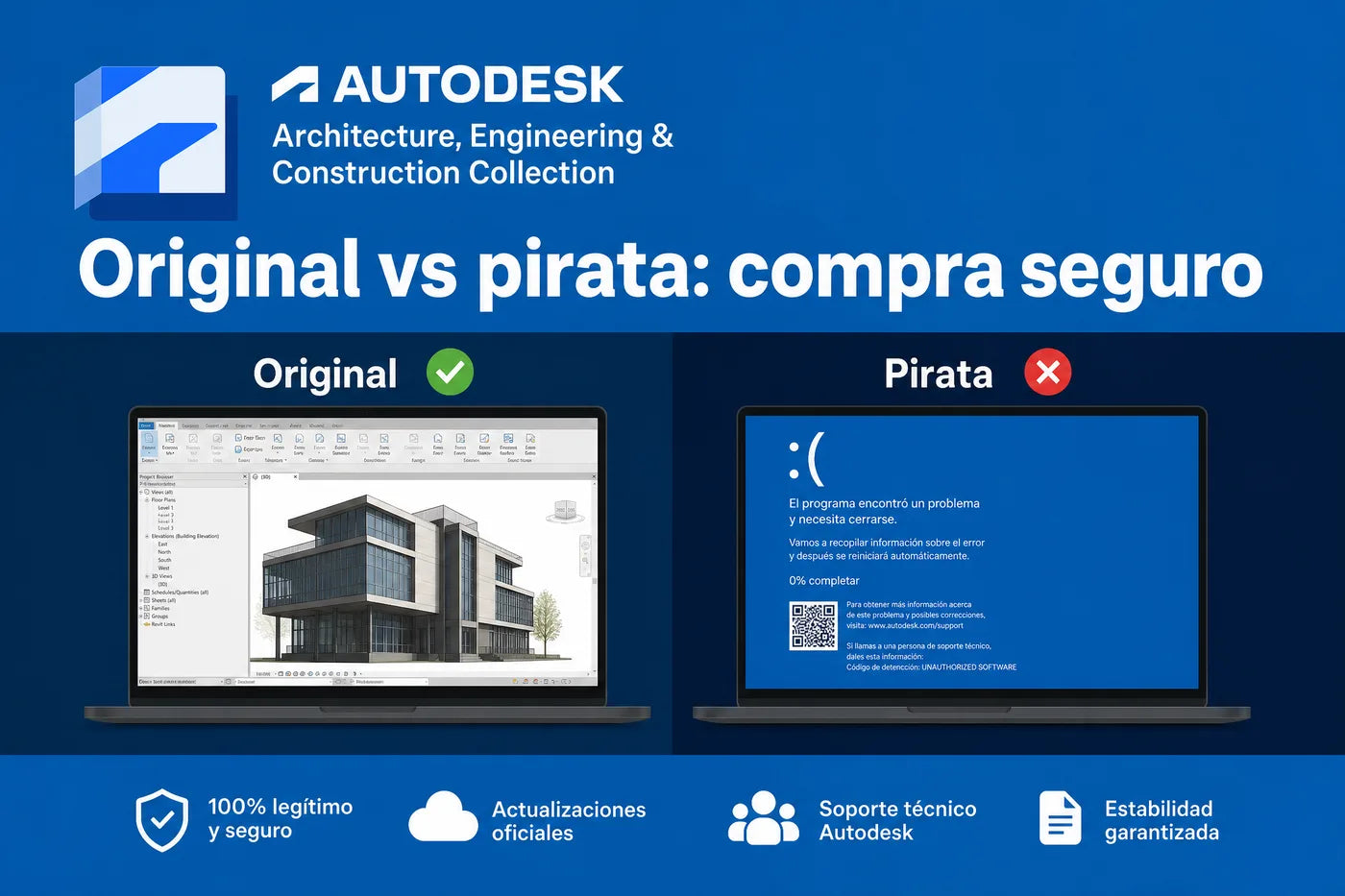
A pirated version exposes you to corrupted files, mid-project failures, and malware on computers with sensitive information. Here you buy a 100% genuine license, stable and backed. Your work and your team’s work stay protected.
How you receive your license
After your purchase, our team prepares the license and we send it to you by email in about an hour. You’ll receive the access along with the step-by-step instructions to activate it. If you have questions during the process, we’ll be right there with you.
Compatibility
The AEC Collection works on Windows. Check each program’s requirements to ensure the best performance on demanding workstations.
Buy with confidence
- 100% genuine Autodesk license.
- Virtual Keys warranty and support for the duration of your subscription.
- Email delivery, prepared by our team in about an hour.
- Clear instructions to activate without hassle.
Frequently asked questions
Is it genuine? Yes, it’s an official Autodesk license.
How long does it take to arrive? We prepare it and it arrives by email in about an hour.
What programs does it come with? Revit, AutoCAD, Civil 3D, Navisworks, InfraWorks, and 3ds Max, among others.
What system does it run on? On Windows.
Get all of Autodesk for construction in a single license
Choose your plan and start working with the suite that professional firms use, without overpaying.
Everything your license includes
How to activate your license, step by step
- Fill out the form
Fill out the form with your Autodesk ID (email) and your order number VK-XXXX. Always use that same email. - Wait for activation
We link the license to your account and notify you by email. It usually takes between 1 and 48 business hours. - Download your software
Go to manage.autodesk.com, open All Products and Services, and download your software. - Activate and start designing!
Open the application, sign in with your Autodesk ID, and you’ll see your active license.
You may also like
Licenses related to this one.