


Microsoft
Windows 10 Home
Is your PC running slow, or are you seeing the "Activate Windows" watermark?
5.0 out of 51 review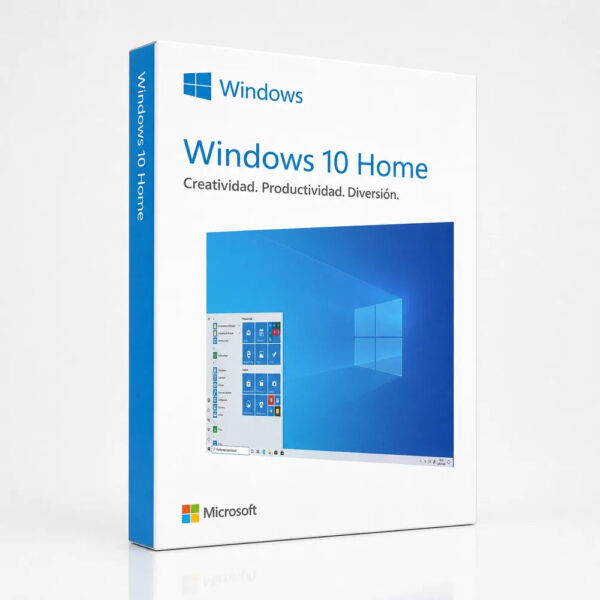
From$18.11USD
One-time payment · No monthly fees
1-year warranty
- Email delivery; may take up to 48 hours
- Refund if the key doesn't work (30 days)
- Secure payment
Specifications
- License
- OEM 1 PC, Retail 5 PC
- Format
- OEM License, Retail License
- Compatibility
- Windows
- Duration
- Lifetime
- Warranty
- 1 year
- Devices
- 1 PC, 5 PC
How to activate
4 steps from your inbox.
Open ActivationGo to Settings, Update & Security, and open Activation.
Change the product keyClick Change product key and enter your 25-digit key.
Activate WindowsClick Activate and wait a few minutes with your PC connected to the Internet.
All set, it's activated!You'll see the confirmation that Windows 10 was activated successfully.
Description
Genuine Windows 10, with a lifetime license and email delivery.
Leave behind the slow PC, the “Activate Windows” watermark, and the locked features. With Windows 10 Home, you activate your PC just once and it’s yours, with all of Microsoft’s security updates.
- OEM 1 PC: for one PC, and it stays tied to that PC. It’s the most affordable option.
- Retail 5 PC: up to five PCs, with online activation.
What you get
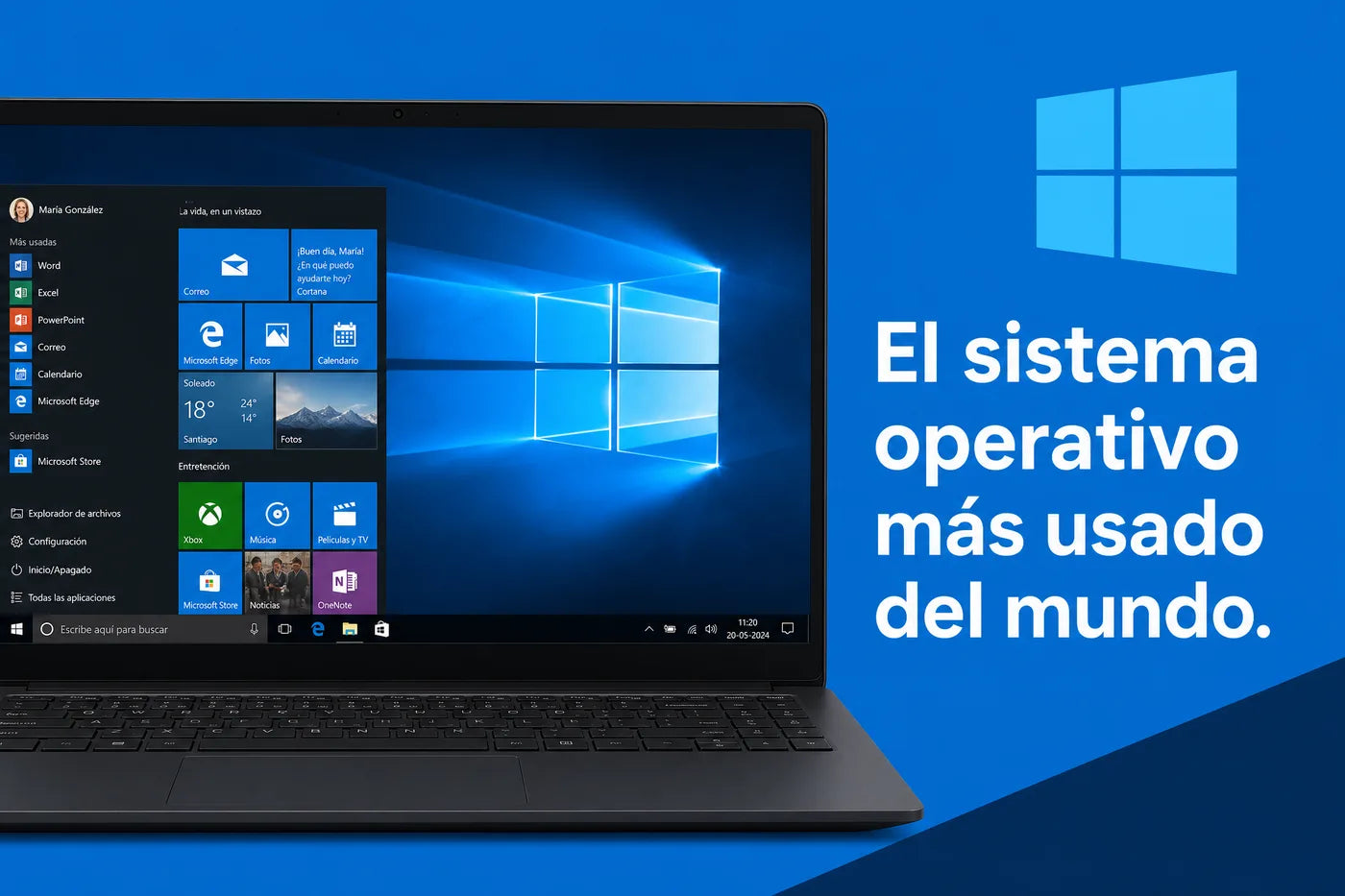
- Genuine Windows from Microsoft, with official security updates.
- Built-in security (Windows Security / Microsoft Defender antivirus).
- All the everyday apps and features, with full personalization.
- Lifetime license: you pay once, with no subscriptions or expiration dates.
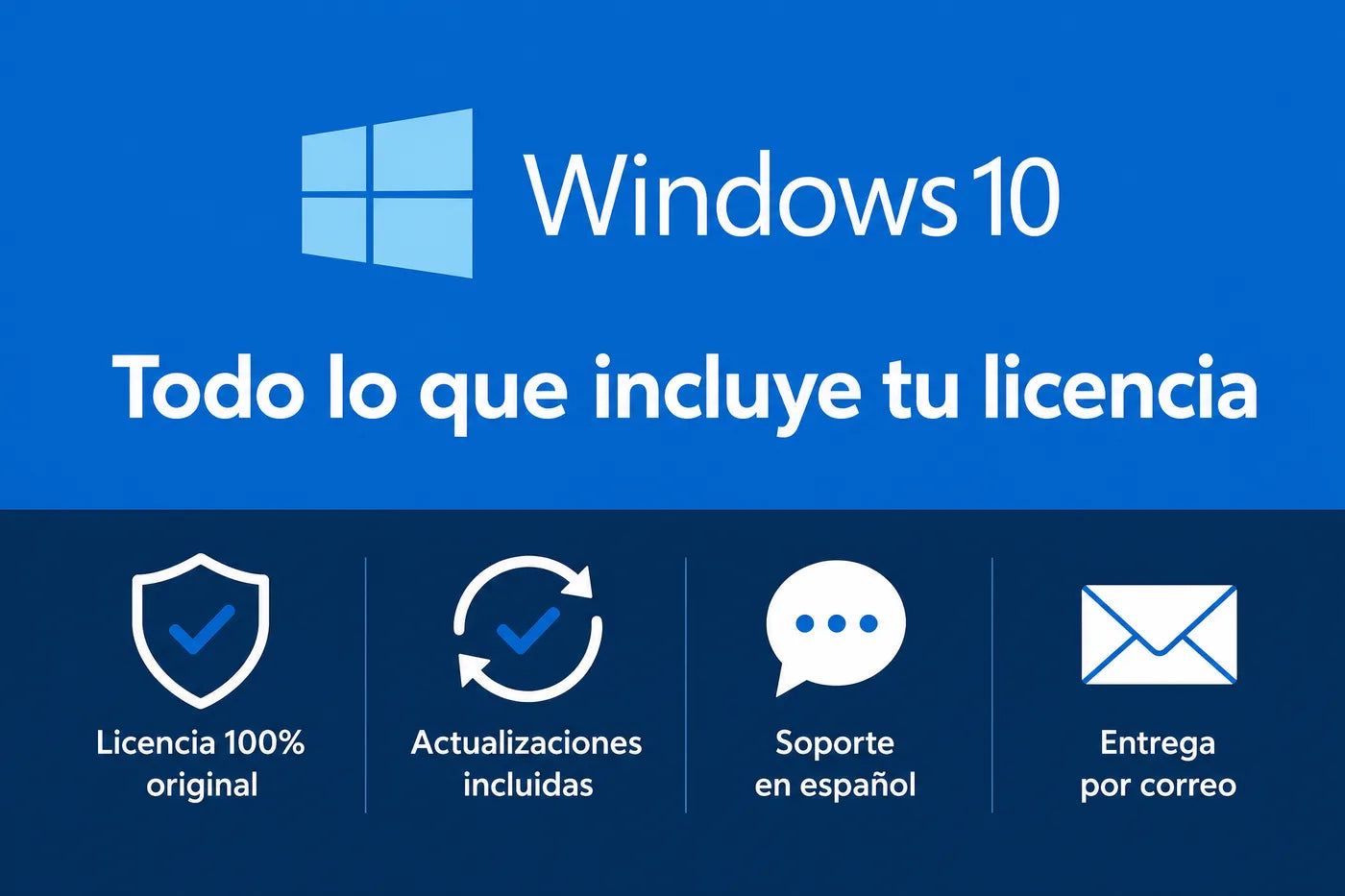
Genuine, not pirated
A pirated copy doesn’t receive updates, can carry malware, and shows the activation watermark. This is a 100% genuine Microsoft license, activated in your name, with real support.
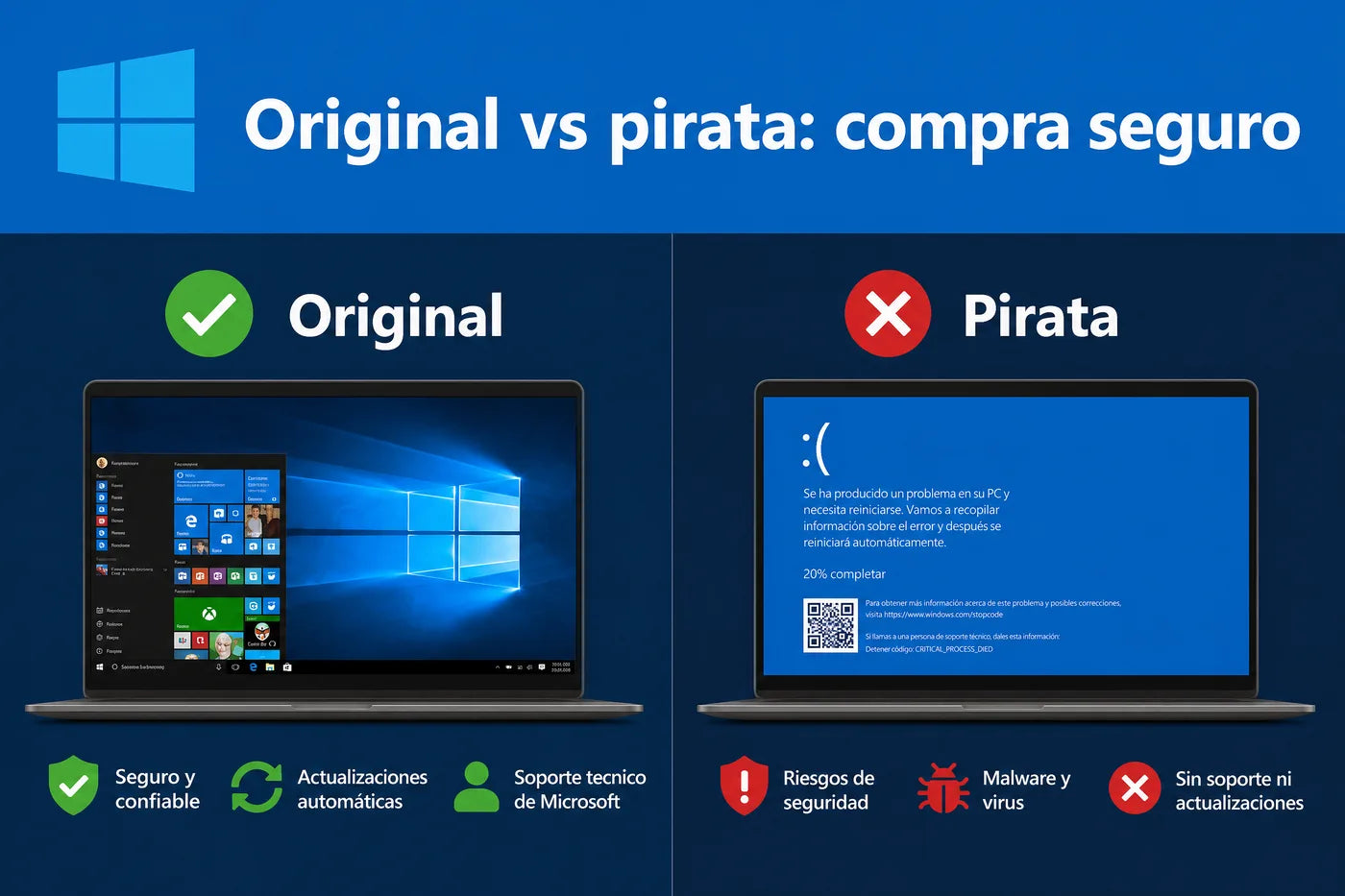
Compatibility
Windows 10 for PC, with a lifetime license: you activate it once and it’s yours, with no monthly fees. The 5 PC licenses work on up to five PCs.
How your license arrives
After your purchase, we prepare and send your license by email in approximately one hour, with step-by-step activation instructions.
Protected purchase
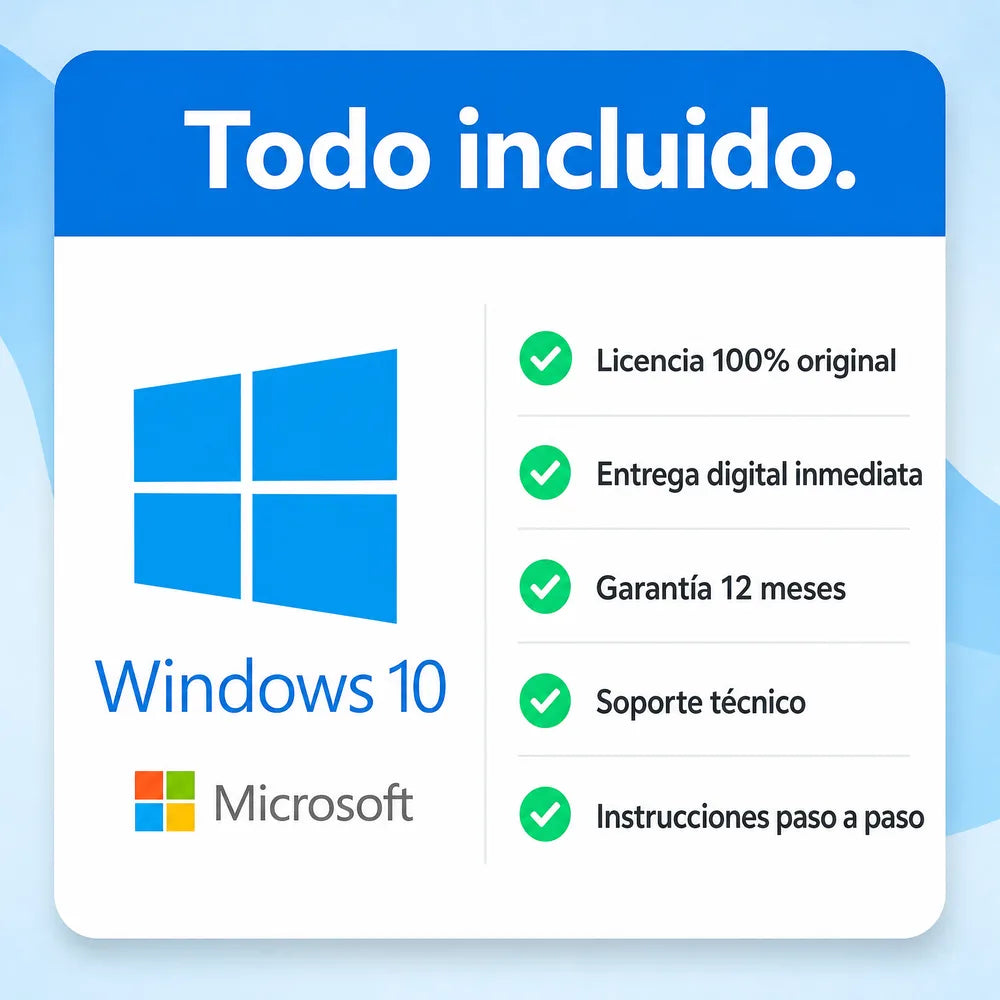
12-month warranty, technical support in Spanish, and secure activation backed by Virtual Keys.
Frequently asked questions
Which license is right for me?
For a single PC at the best price, the OEM 1 PC, which stays tied to that PC. If you have several PCs, the Retail 5 PC.
Can I reformat after activating?
Yes, you can reinstall on the same PC as many times as you need. The OEM license stays tied to the PC where you activate it, so it can’t be transferred to another computer.
Do I need an internet connection to activate?
Only at the moment of activation; after that, you work as usual.
Everything your license includes
How to activate your license, step by step
- Open Activation
Go to Settings, Update & Security, and open Activation. - Change the product key
Click Change product key and enter your 25-digit key. - Activate Windows
Click Activate and wait a few minutes with your PC connected to the Internet. - All set, it’s activated!
You’ll see the confirmation that Windows 10 was activated successfully.
Reviews
5.0
out of 5 · 1 review
5 out of 5
super bien gracias
Read all 1 reviews and write yours
1 review for Windows 10 Home OEM, Genuine Lifetime License
You may also like
Licenses related to this one.

Brisly Bernard –
super bien gracias