




Autodesk
Autodesk Inventor Professional
Looking for genuine Autodesk Inventor Professional for risk-free 3D mechanical design?
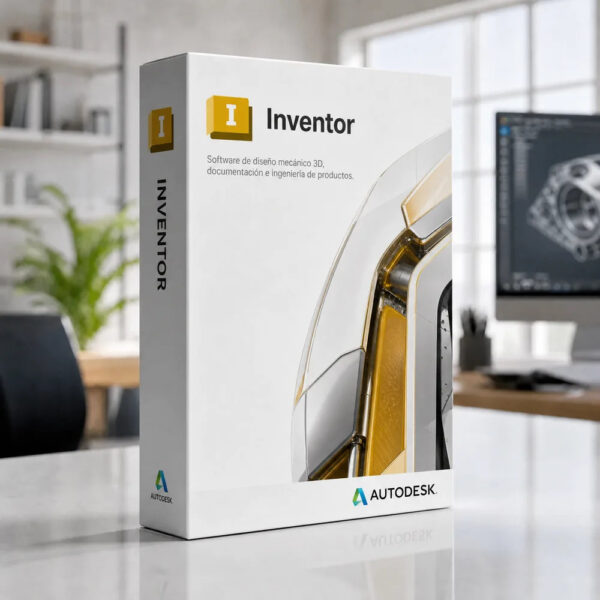
From$36.86USD
One-time payment · 1 year or 3 years
Up to 3-year warranty
- Email delivery; may take up to 48 hours
- Refund if the key doesn't work (30 days)
- Secure payment
Specifications
- Duration
- 1 year, 3 years
- Format
- Invitation
- Compatibility
- Windows, macOS
- Warranty
- 1 year, 3 years
- Devices
- 1 PC
How to activate
4 steps from your inbox.
Complete the formFill out the form with your Autodesk ID (email) and your order number VK-XXXX. Always use that same email.
Wait for activationWe link the license to your account and notify you by email. It usually takes between 1 and 48 business hours.
Download your softwareGo to manage.autodesk.com, open All Products and Services, and download your software.
Activate and start designing!Open the application, sign in with your Autodesk ID, and you'll see your license active.
Description
Autodesk Inventor Professional: high-precision 3D mechanical design
With Inventor Professional you design parts, assemblies, and complex machinery while controlling every measurement. You model, simulate, and validate before manufacturing, so errors show up on screen and not on the shop floor.
From virtual prototype to the factory
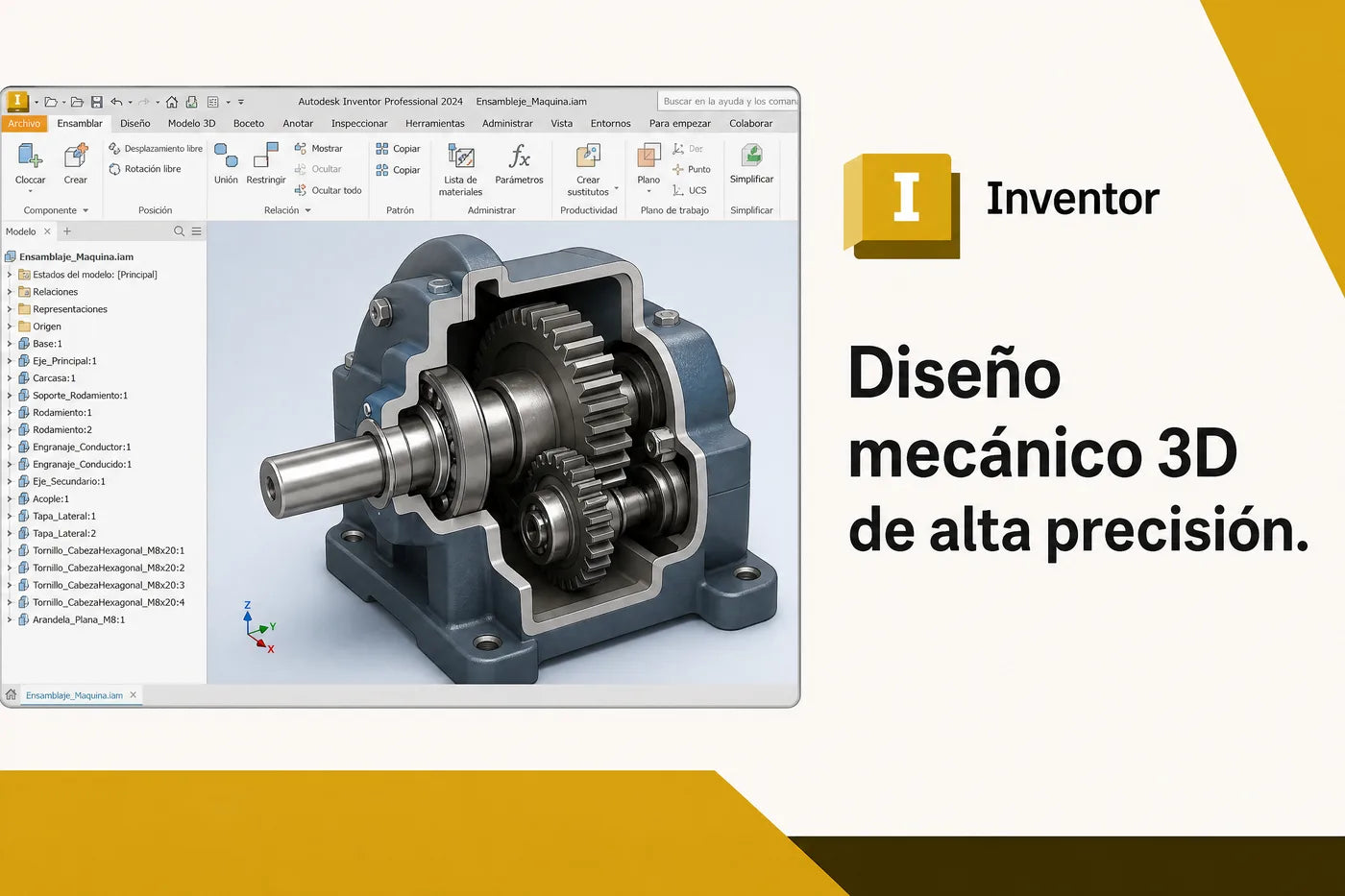
Inventor works with parametric modeling: you change one measurement and the rest of the design readjusts. It works just as well for a single part as for a machine with hundreds of components, and the drawings update with the model instead of you redoing them by hand.
What you can do with this license
Advanced parametric modeling. You create parts and assemblies by adjusting every design parameter, with tools built for complex mechanical projects.
Simulation and validation. You analyze motion, stress, and vibration before sending anything to manufacturing, and you know how the part will behave in real-world conditions.
Automated drawings and documentation. You generate production-ready drawings with exact sections, views, and dimensions. If you change the model, the documentation adapts.
Cloud collaboration. You save and share projects from wherever you are, with version control.
Updates and support. You receive the improvements for the current version, and you have support in Spanish whenever you need it.
A genuine license, activated in your name
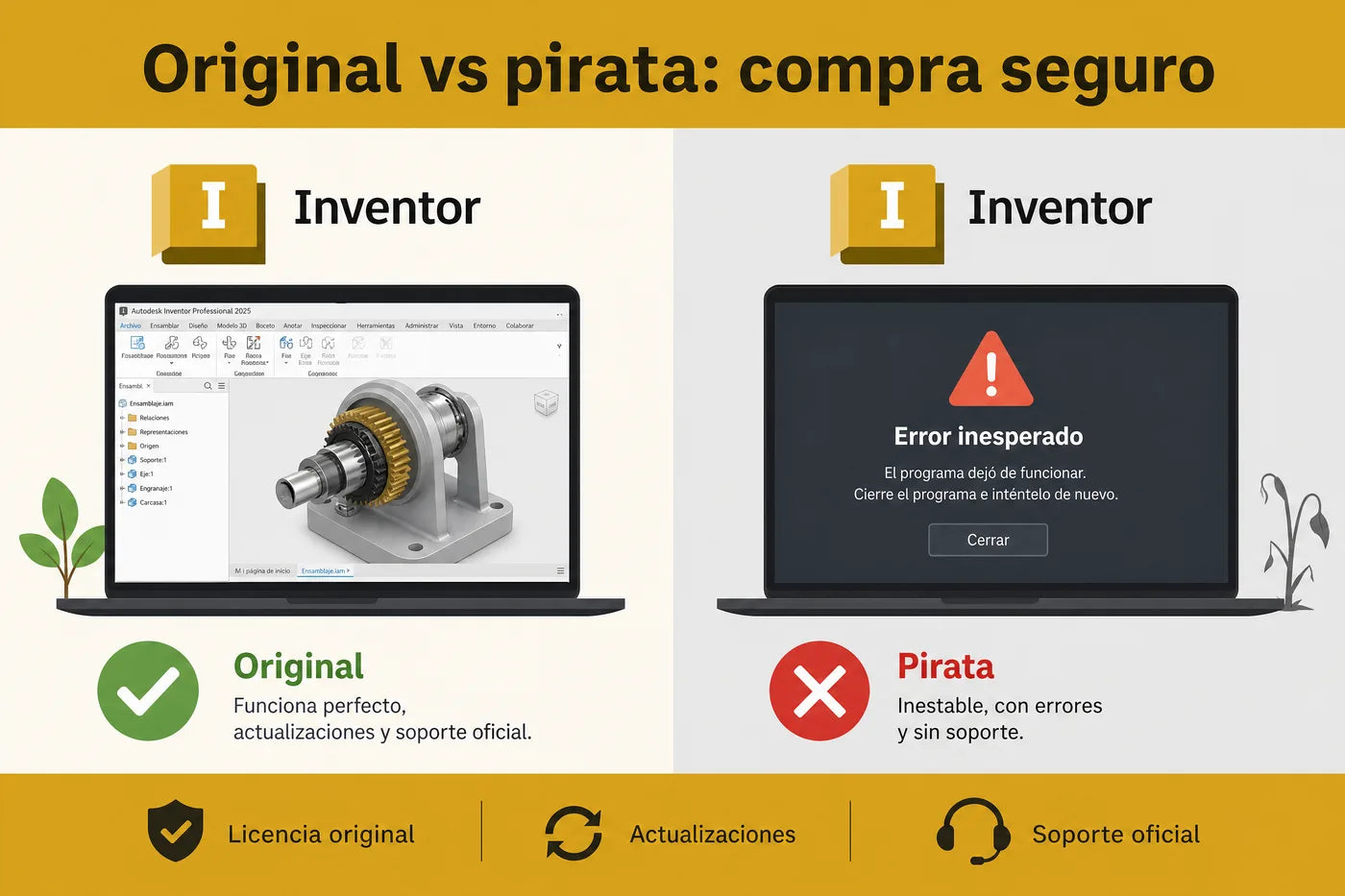
Cracked versions of Inventor circulate on forums and torrents, and they’re the ones that cause the most problems: no security patches, modified files, and the possibility of Autodesk revoking access. Here the license is genuine and is activated on your own Autodesk account, in your name, not on a shared account.
Compatibility and how it’s activated
Works on Windows and Mac, for 1 computer. Choose in the selector whether you want it for 1 year or 3 years.
Activation is by invitation: after your purchase you receive an email with the form and the instructions to accept it with your Autodesk account. We don’t keep it in stock, so we prepare it to order and it reaches you in about an hour.
Warranty and support
The license is covered by a warranty for its entire term, whether 1 year or 3 years, depending on the option you choose. If it stops working during that period because of an activation problem, we replace it at no cost. Support is in Spanish and a person answers.
Frequently asked questions
Is it genuine?
Yes. It’s an Autodesk license that is activated on your own account, with access to the official downloads.
How long does it take to arrive?
About an hour from the time payment is confirmed. We prepare it to order, which is why it isn’t instant.
Does it work on Mac?
Yes, Inventor Professional runs on Windows and Mac.
What happens when the term ends?
It’s a fixed-term license, for 1 or 3 years. When the term is up, access ends and you can renew it. We don’t charge you automatic renewals.
If your job is designing parts and machinery, this is the genuine Inventor Professional license, activated in your name and with support in Spanish.
Everything your license includes

How to activate your license step by step
- Complete the form
Fill out the form with your Autodesk ID (email) and your order number VK-XXXX. Always use that same email. - Wait for activation
We link the license to your account and notify you by email. It usually takes between 1 and 48 business hours. - Download your software
Go to manage.autodesk.com, open All Products and Services, and download your software. - Activate and start designing!
Open the application, sign in with your Autodesk ID, and you’ll see your license active.
You may also like
Licenses related to this one.