


Microsoft
Office 365 Personal
You pay for Office month after month and still run out of space for your files.
4.1 out of 516 reviews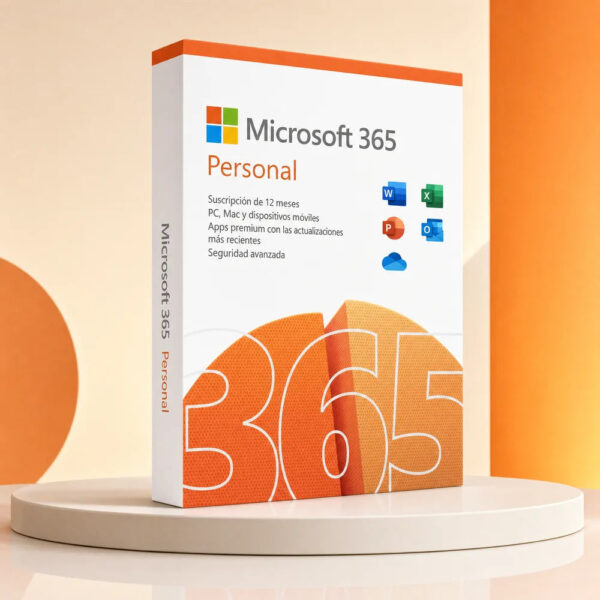
$30.03USD
One-time payment · 1 year
1-year warranty
- Email delivery; may take up to 48 hours
- Refund if the key doesn't work (30 days)
- Secure payment
Specifications
- Format
- Invitation
- Compatibility
- Windows, macOS, iOS, Android, Web
- Duration
- 1 year
- Warranty
- 1 year
- Devices
- 5 PC
- Cloud storage
- 1 TB
How to activate
4 steps from your inbox.
Fill out the formFill in the form with your Microsoft email (@outlook, @hotmail, or @live) and your order number.
Wait for the invitationYou'll get an invitation in your email to join Microsoft 365, within 1 to 48 business hours.
Accept and installOpen the email, accept the invitation, and install Microsoft 365 from the portal.
Done, time to get to work!Sign in to the apps and use Office on your PC, Mac, phone, and tablet.
Description
Office 365 Personal: your usual apps and 1 TB in the cloud
You work on your PC, continue on your phone, and finish on another device. The problem isn’t the apps, it’s the space and the mess of having your files all over the place. Office 365 Personal gives you the full Office and 1 TB of OneDrive so everything lives in one place, synced and backed up.
What it is and who it’s for
It’s Microsoft’s personal subscription designed for someone who uses Office every day: studying, working, organizing the household bills, or running a small business. You install the apps on your devices and always have the latest version, without paying extra to update.
What you get
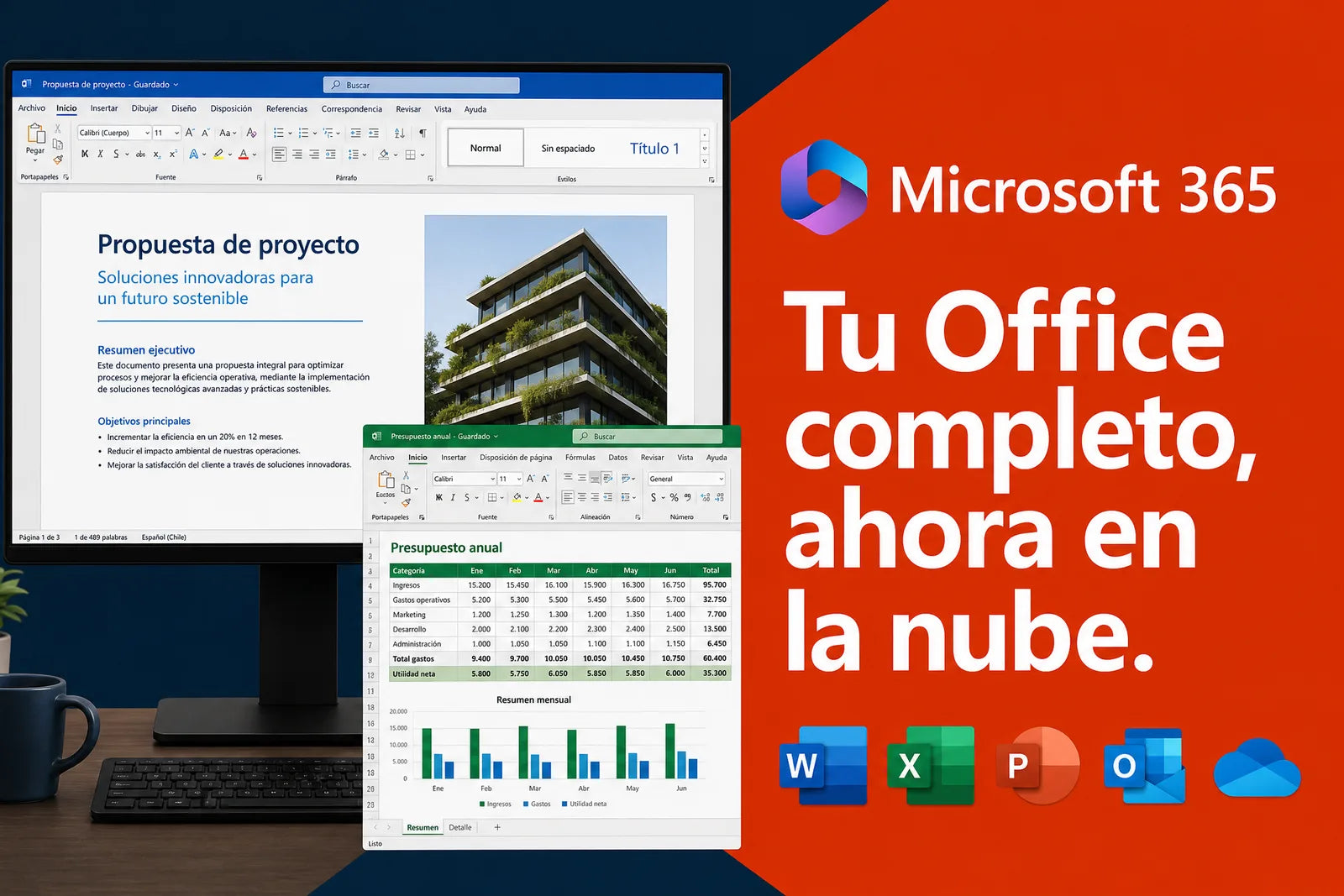
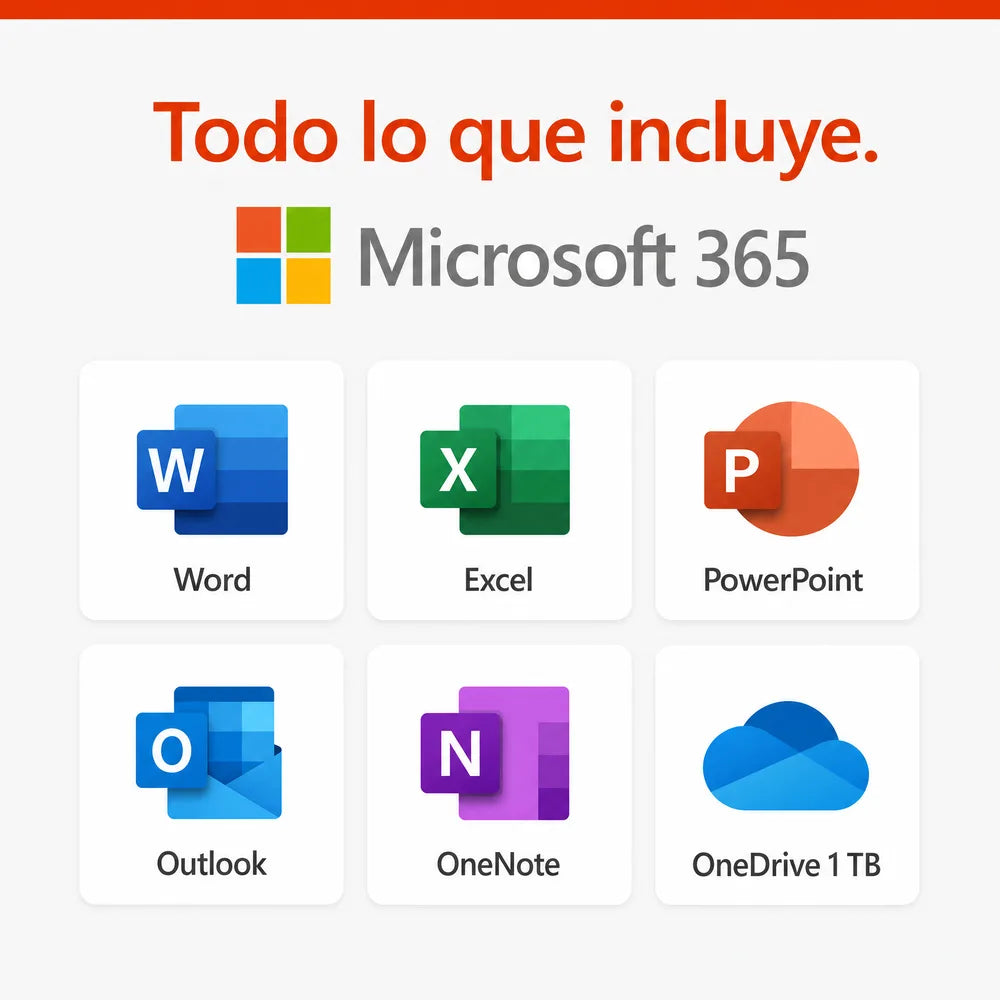
- Full Word, Excel, PowerPoint, Outlook, and OneNote, with nothing cut out.
- 1 TB of OneDrive to store documents, photos, and projects, with automatic backup.
- The apps on your PC or Mac, plus your tablet and phone.
- Updates and new features included throughout the year.
- Advanced security for your email and your files.
1 TB of OneDrive is no small detail
One terabyte is enough for thousands of photos, your entire documents folder, and the heavy projects that don’t fit in an email. You save something on your computer and it shows up on your phone on its own. If a device gets lost or damaged, your files are still there.
Genuine, no nasty surprises
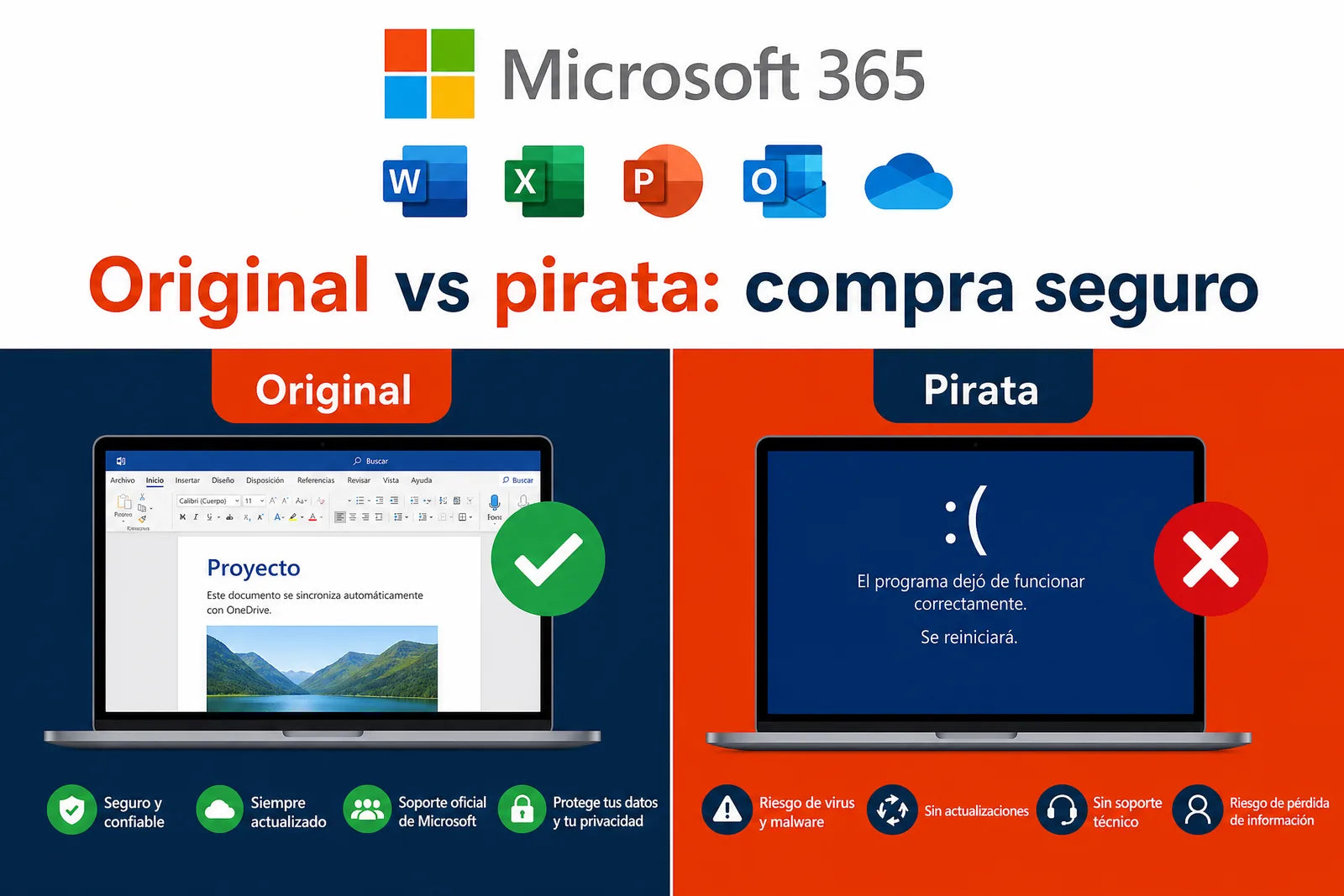
A pirated version or a bogus account goes down when you least expect it, stops getting updates, and puts your files at risk. With Virtual Keys you receive a genuine license, in your name, that works the way it should.
How you receive it
You fill out a short form with your email and we activate your Office 365 Personal. Since this license is prepared for you, we get it ready and it arrives in your email in approximately one hour, with step-by-step instructions to start using it.
Compatibility
It works on Windows and Mac, and also on Android and iOS so you can keep going from your phone or tablet. A single subscription for all your devices.
Mac requirement: you need macOS 15 (Sequoia) or later. Earlier versions of macOS are not compatible with Office 365.
Buy with confidence
- 100% genuine license.
- 1-year warranty.
- Real support, in Spanish, if you have questions during activation.
- Delivery to your email in approximately one hour.
Frequently asked questions
Is it genuine? Yes, it’s an official Microsoft license, in your name.
How long does it take to arrive? We prepare it and send it to your email in approximately one hour.
How many devices can I use it on? On your PC or Mac, plus tablet and phone.
Does it include the 1 TB of OneDrive? Yes, the terabyte of cloud storage comes with the subscription.
Get your full Office and your 1 TB in the cloud. Buy your genuine Office 365 Personal at Virtual Keys.
Everything your license includes
How to activate your license step by step
- Fill out the form
Fill in the form with your Microsoft email (@outlook, @hotmail, or @live) and your order number. - Wait for the invitation
You’ll get an invitation in your email to join Microsoft 365, within 1 to 48 business hours. - Accept and install
Open the email, accept the invitation, and install Microsoft 365 from the portal. - Done, time to get to work!
Sign in to the apps and use Office on your PC, Mac, phone, and tablet.
Reviews
4.1
out of 5 · 16 reviews
5 out of 5
Esta bien para el precio. Te agregan a una cuenta familiar. El link me llego en 24 hr y no tuve problemas con la activación
3 out of 5
La compra fue rápida, pero aún espero la activación que ha demorado más de lo que comprometido.
1 out of 5
No tengo mi cuenta activada, consultaré con soporte
Read all 16 reviews and write yours
16 reviews for Office 365 Personal: 1 TB of OneDrive and Office Apps (1 Year)
You may also like
Licenses related to this one.

Eduardo Maldonado –
Esta bien para el precio. Te agregan a una cuenta familiar. El link me llego en 24 hr y no tuve problemas con la activación
Customer –
Buenísima
MATIAS CRISOSTO –
La compra fue rápida, pero aún espero la activación que ha demorado más de lo que comprometido.
Patricio Araya –
No tengo mi cuenta activada, consultaré con soporte
GUSTAVO MORENO AGUIRRE –
Hubo algo de demora en la activación de la licencia pero totalmente recomendado son excelentes productos y originales.
Paulina Valderrama Willz –
Excelente producto, lo recomiendo, fácil instalación.
Luis Miranda Lopez –
Todavía no puedo activar mi cuenta
Nicolas Quinteros Morales –
Buen producto, hubo algunas complicaciones para activar, pero nada grave
Cristian Garces Pacheco –
100% recomendado, experi…
100% recomendado, experiencia de compra ok
Wilson Andrés Navarro Collio –
El producto excelente y se puede usar todas las aplicaciones de microsoft copilot. Impecable.
Almendra Carcamo Contreras –
Lo recomiendo
Patricio Mella Rebolledo –
Si
María Teresa Hernandez Pavez –
Excelente producto y atención post venta
Manuel Vinueza –
El producto cumple con todos los requerimientos de comprar a través de la propia plataforma de Microsot, pero a un mejor precio, solo que debería indicarse que la licencia es parte del grupo familiar y lo que implica en lugar de una personal.
Susana Góngora –
Compre el producto el 30 de marzo y aún no me activan el almacenamiento de 1tb de onedrive. No lo recomendaría
Hernan Jerez acevedo –
Muy bueno el producto