


Microsoft
Project Professional Retail
Available in 3 versions: 2016, 2019, and 2021.
3.7 out of 59 reviews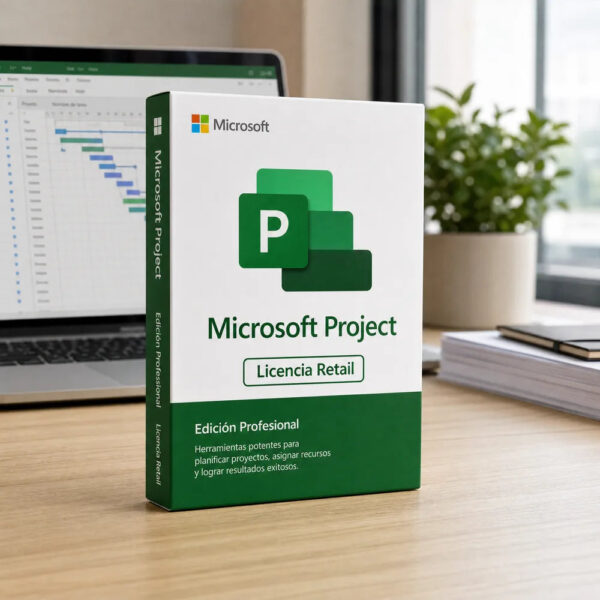
From$18.11USD
One-time payment · No monthly fees
1-year warranty
- Email delivery; may take up to 48 hours
- Refund if the key doesn't work (30 days)
- Secure payment
Specifications
- Version
- 2019, 2016, 2021
- Format
- Retail License
- Compatibility
- Windows
- Duration
- Lifetime
- Warranty
- 1 year
- Devices
- 2 PC
How to activate
4 steps from your inbox.
Download and installDownload the .img for your version, mount it, and run setup.
Open ProjectWhen the installation finishes, search for Project and open it.
Activate with your keyEnter your 25-character product key and click Activate.
All set, start planning!Under Account you'll see Project activated. You can now manage your projects.
Description
Manage your projects without depending on a subscription
Spreadsheets fall short as soon as the project grows: tasks that overlap, deadlines nobody updates, resources that don’t fit. Microsoft Project Professional puts at your disposal the Gantt chart and the planning tools professional teams use, in a retail license you pay for just once.
This listing includes 3 versions: 2016, 2019, and 2021. You choose the one you need at the time of purchase; all three have the same project management features, with the interface and improvements specific to each year.
What it is and who it’s for
Project Professional is Microsoft’s project management software: schedule tasks, assign resources, track deadlines, and generate progress reports. It’s for project managers, construction offices, IT teams, or anyone who needs to organize a project with multiple tasks and people in charge.
What your team gains
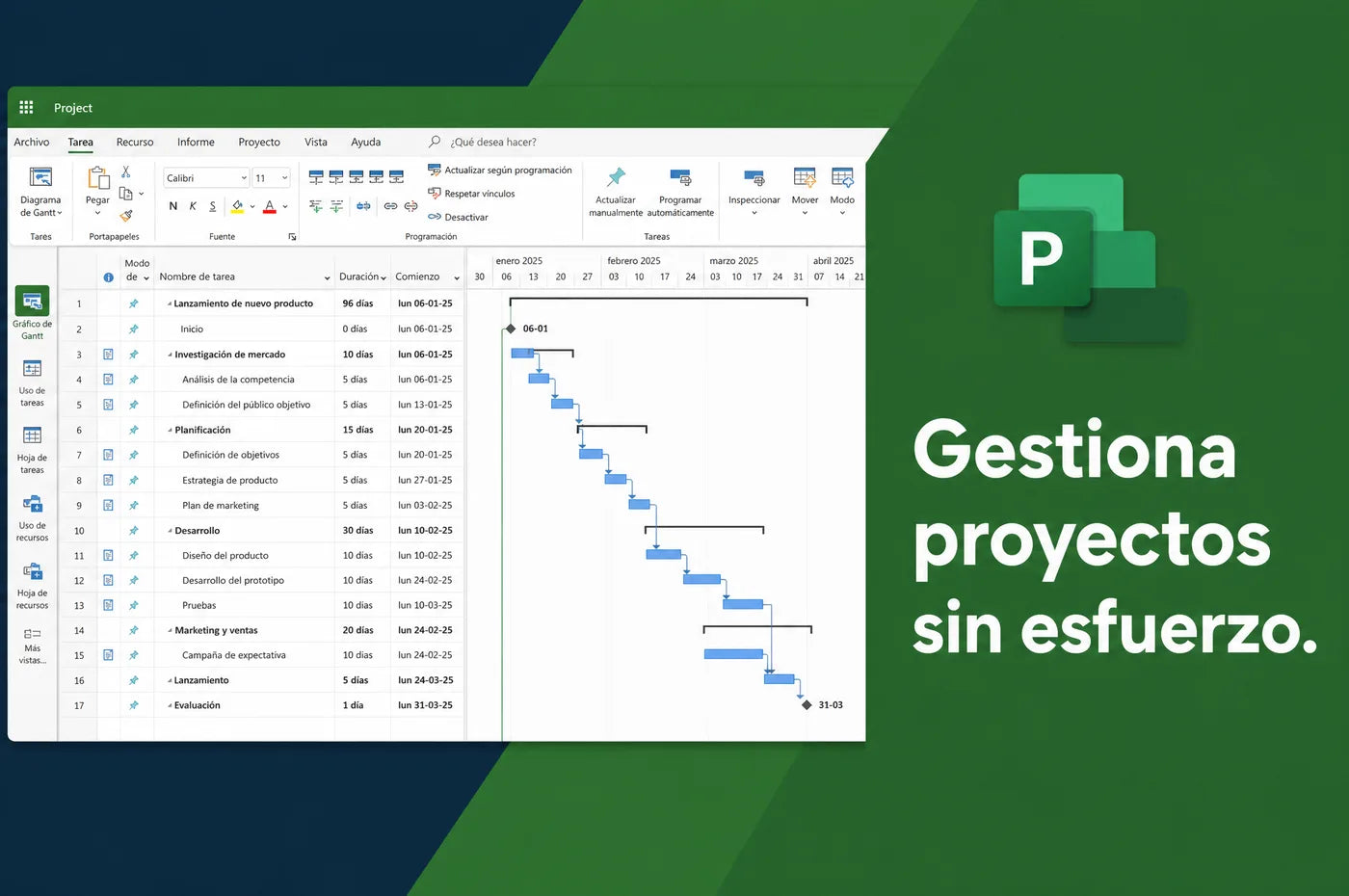
The Gantt chart shows tasks, dependencies, and key dates in one place. You can spread people and budget across tasks without overloading anyone, and the schedule recalculates on its own when something falls behind. Because it’s part of the Microsoft ecosystem, it exports straight to Excel and integrates with Teams and the rest of Office.
Genuine, not pirated
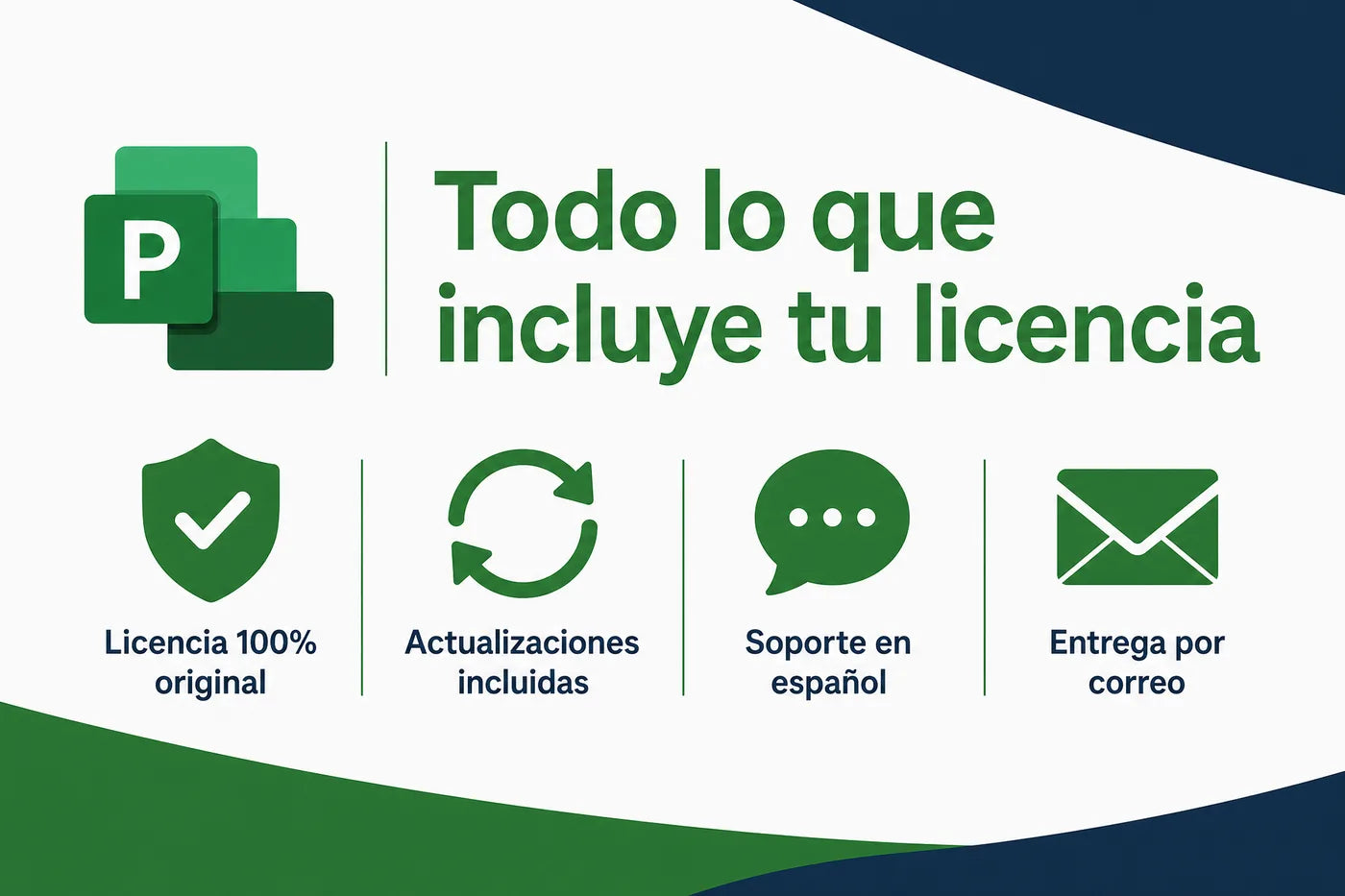
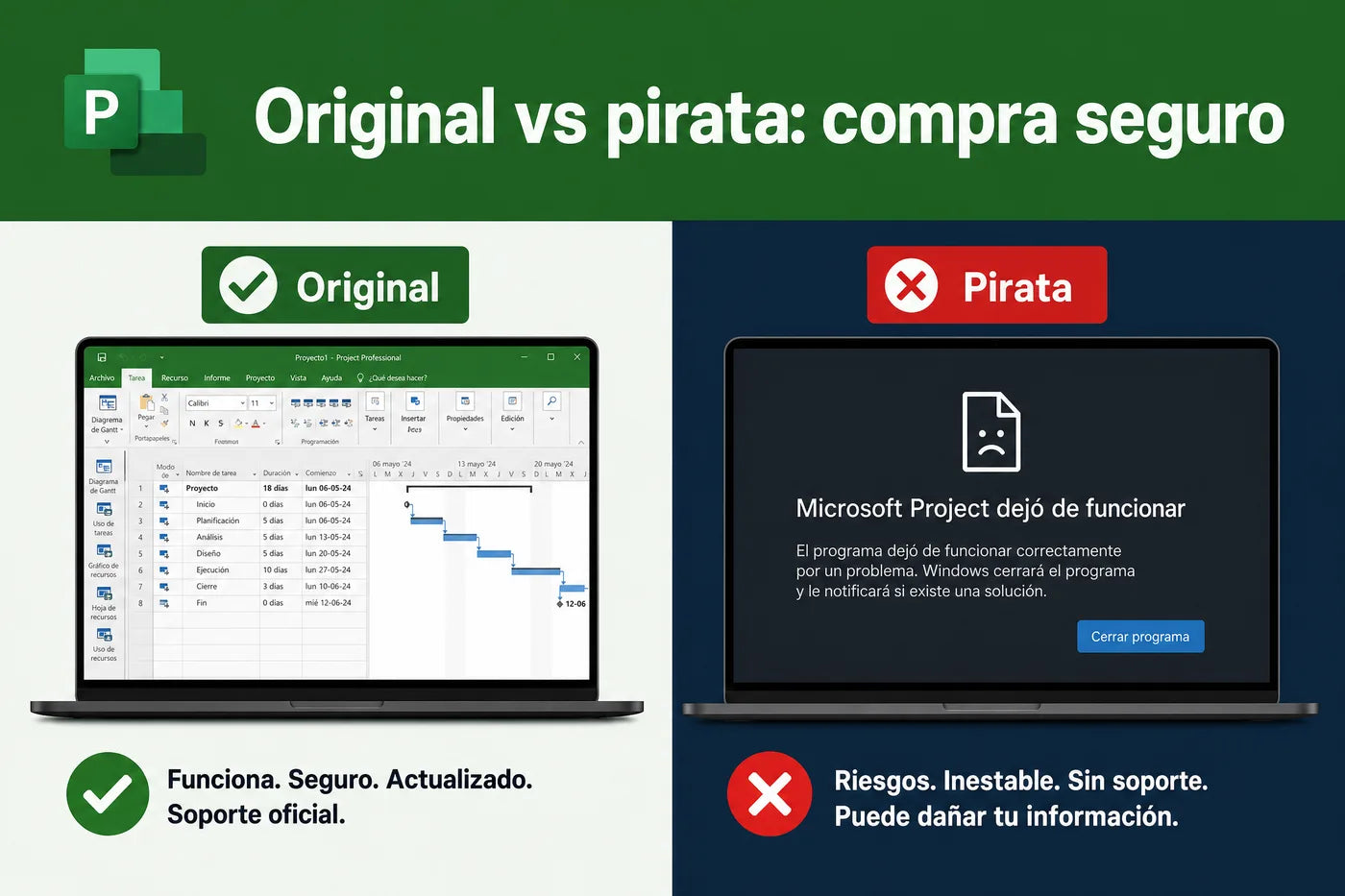
A pirated copy of Project doesn’t get security updates and can crash in the middle of an important project, with no backing at all if something fails. This is a 100% genuine Microsoft retail license, activated in your name, with the right to real support.
How your license arrives
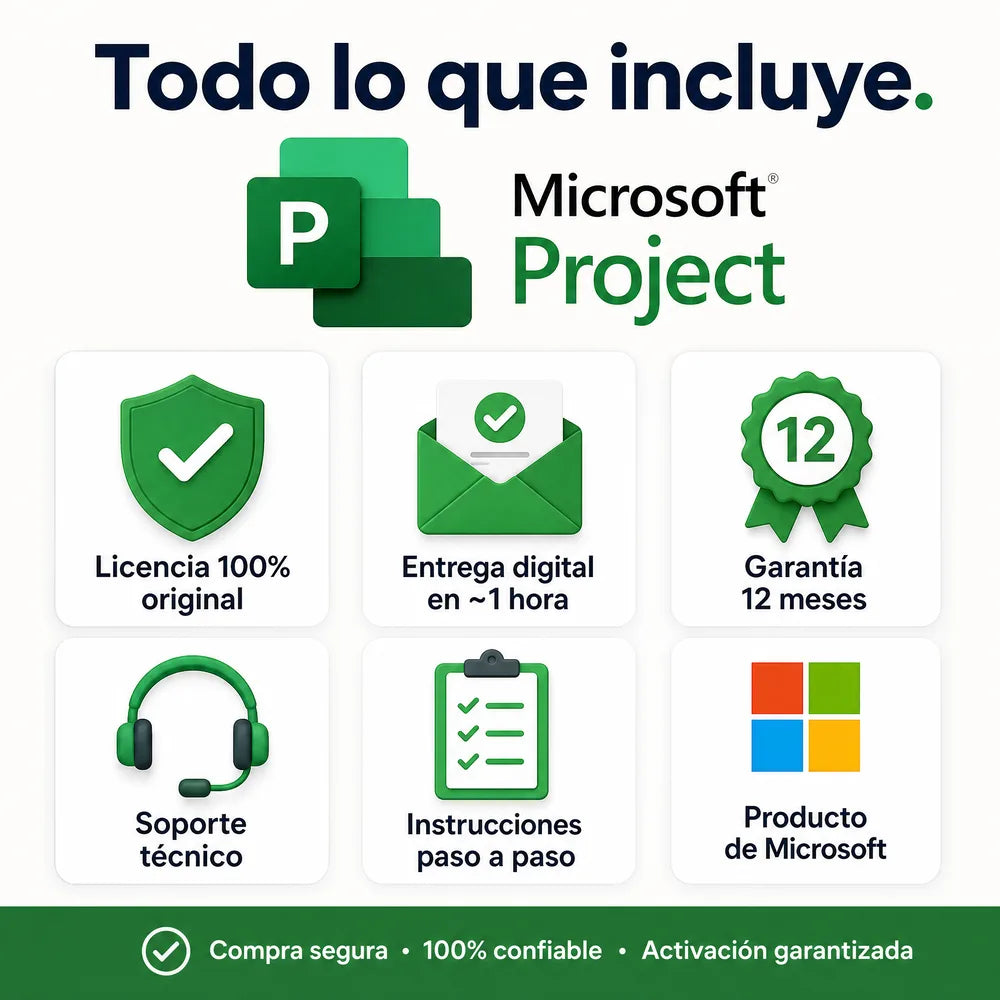
After your purchase, our team prepares and sends your license by email in approximately one hour, along with step-by-step activation instructions.
Compatibility
Works on Windows, for 2 PCs. It’s a lifetime license: you activate it once and it’s yours, with no monthly fees.
Protected purchase
12-month warranty, technical support in Spanish, and secure activation backed by Virtual Keys.
Frequently asked questions
Which version is right for me: 2016, 2019, or 2021?
All three cover the same things: Gantt, resources, and reports. The difference is in the interface and the improvements Microsoft kept adding year after year.
Do I need internet to activate it?
Only for the initial activation. After that you can work offline.
Can I format my PC after activating it?
It’s a single-activation license, so it’s best to format your computer before activating it. If you need to reinstall it later, write to us and we’ll help you.
Choose your version
Microsoft Project Professional Retail, in 2016, 2019, or 2021, to organize your next project without depending on a spreadsheet.
Everything your license includes
How to activate your license step by step
- Download and install
Download the .img for your version, mount it, and run setup. - Open Project
When the installation finishes, search for Project and open it. - Activate with your key
Enter your 25-character product key and click Activate. - All set, start planning!
Under Account you’ll see Project activated. You can now manage your projects.
Reviews
3.7
out of 5 · 9 reviews
5 out of 5
Instalación facil y el producto funcionando 100% y si. Problemas. Llevo unos dias.
4 out of 5
Falta más asistencia técnica en linea al momento de la instalación de los programas
5 out of 5
Rápida respuesta, 100% recomendado
Read all 9 reviews and write yours
9 reviews for Genuine Lifetime Project Professional Retail License
You may also like
Licenses related to this one.

Customer –
Instalación facil y el producto funcionando 100% y si. Problemas. Llevo unos dias.
Jose Garcia –
Falta más asistencia técnica en linea al momento de la instalación de los programas
Christopher Flores –
Rápida respuesta, 100% recomendado
Diego Diaz –
Compra segura
Jorge Harrison –
Excelentes productos , ya he comprado dos licencias y me han funcionado súper bien. Espero seguir obteniendo licencias para mi desarrollo personal. Gracias Virtual Keys.
Yamil Diaz –
No me llegó la clave del producto es decir pagué para nada
Eduardo Molina –
Básicamente fue porque no me compartieron en primeras instancias las clave de mi producto
Carlos Matta Zuñiga –
pesimo
Nicolas edgardo Reyes cuyul –
Si claro , muy buena página las claves funcionan siempre al 100% siguiendo las instrucciones , todo muy facil y rápido! Gracias 😊